We use a few small files called cookies. They keep you signed in, remember the area you chose and show prices in your own money. We do not use them for ads or tracking. What each one does
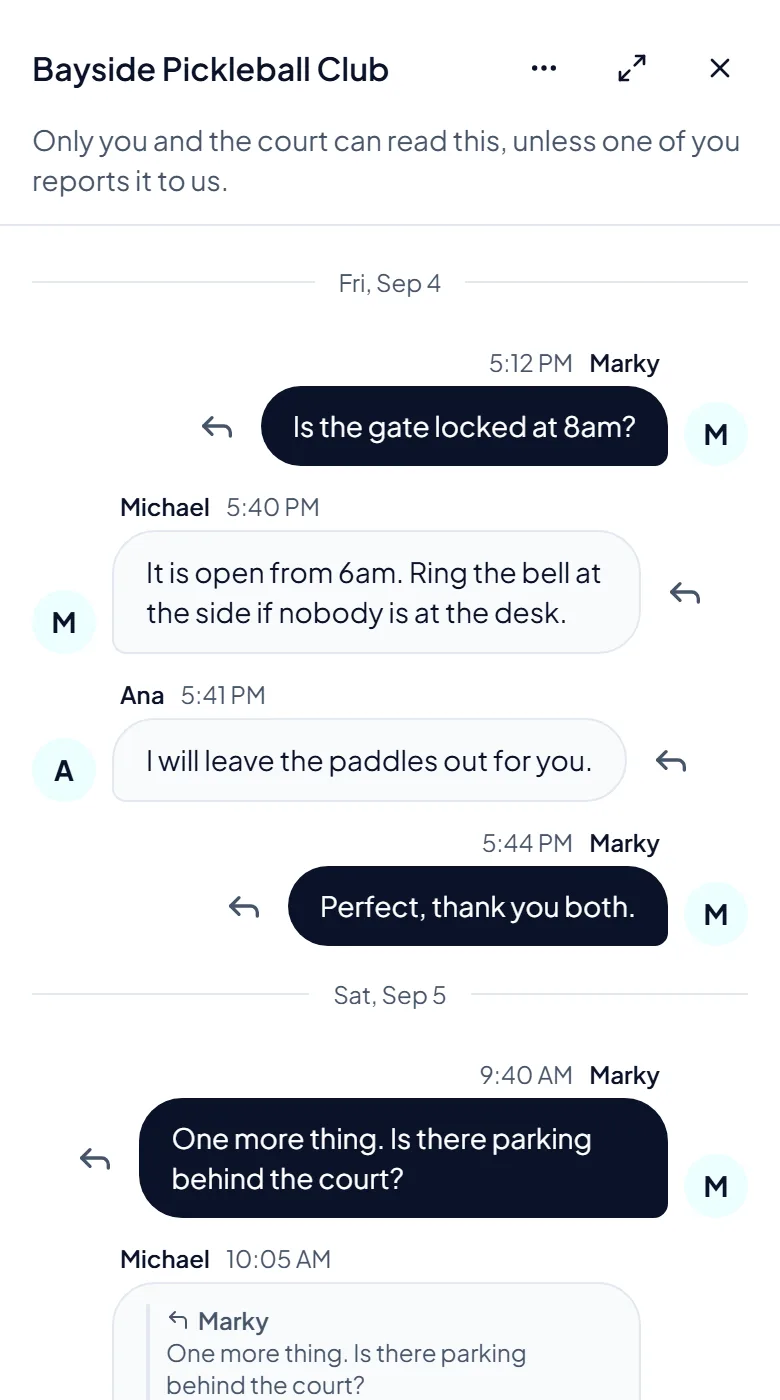
You can ask a host a question before or after you book. Only you and the host can read it, unless one of you reports it to us.
Press Message the host on the court page or on your booking page. A chat opens, and on a phone it fills the screen. You can reply to one message to keep things clear.
 Opens the picture full size
Open Messages from the menu under your photo. There is one conversation for each court. Use Options to mute it, block it or report it to us.
The bell at the top shows booking updates and new messages. Press Mark all as read when you have seen them.
Press Turn on notifications when we ask, or in the bell. On an iPhone, first add the site to your Home Screen: press Show me how and follow the steps.
The pictures show example courts and players. Your own screens show your own courts and bookings.
Next guideClubs and open playThe FAQ answers the common ones. Read the FAQ
