We use a few small files called cookies. They keep you signed in, remember the area you chose and show prices in your own money. We do not use them for ads or tracking. What each one does
A place is where your courts are. One business can have several places, each with its own courts.
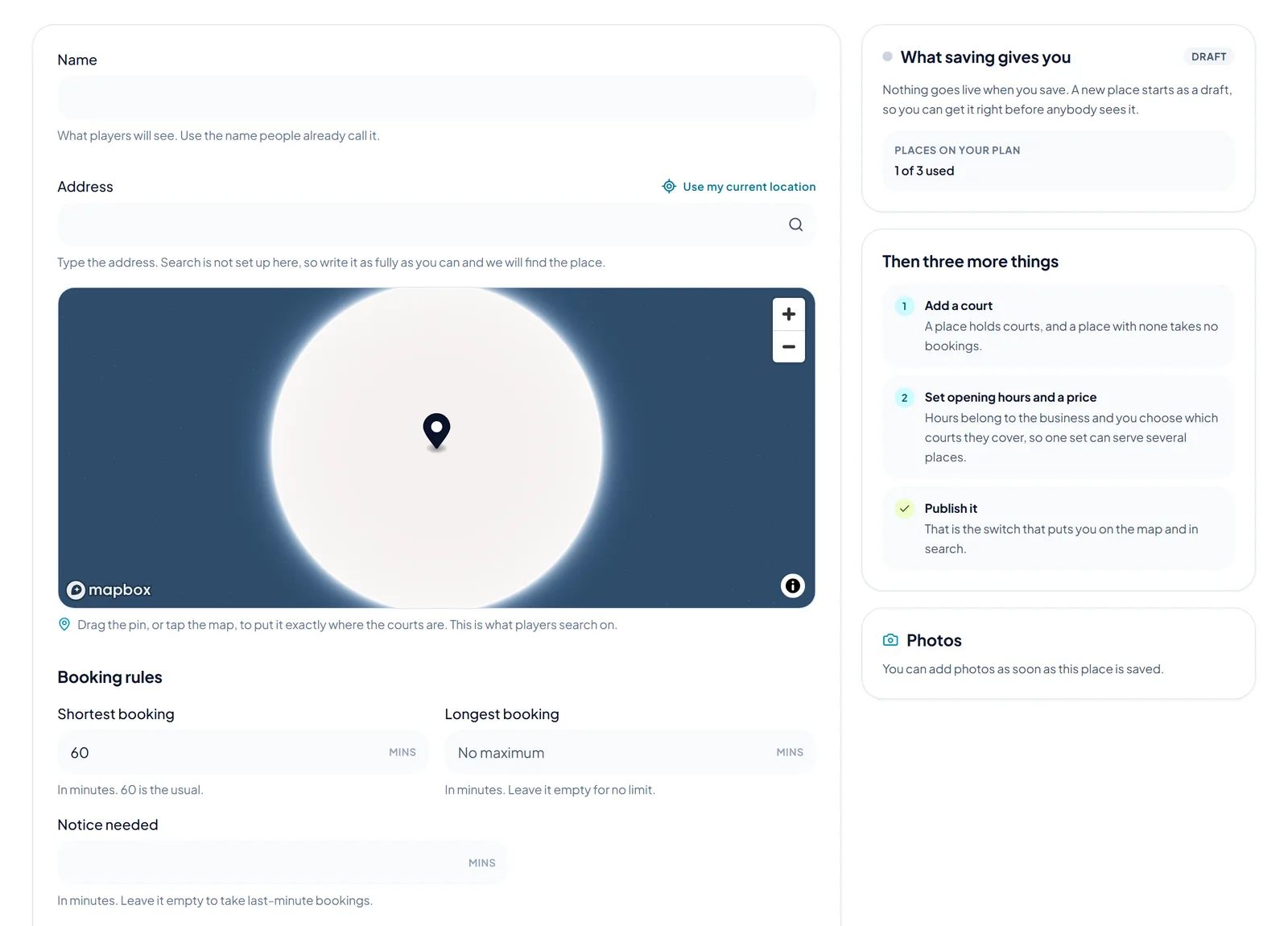
Open Courts & Places and press Add a place. Type the name players know it by and the address, then drag the pin to exactly where the courts are. Set the shortest and longest booking, the notice you need and what is there. A new place starts as a draft.
 Opens the picture full size
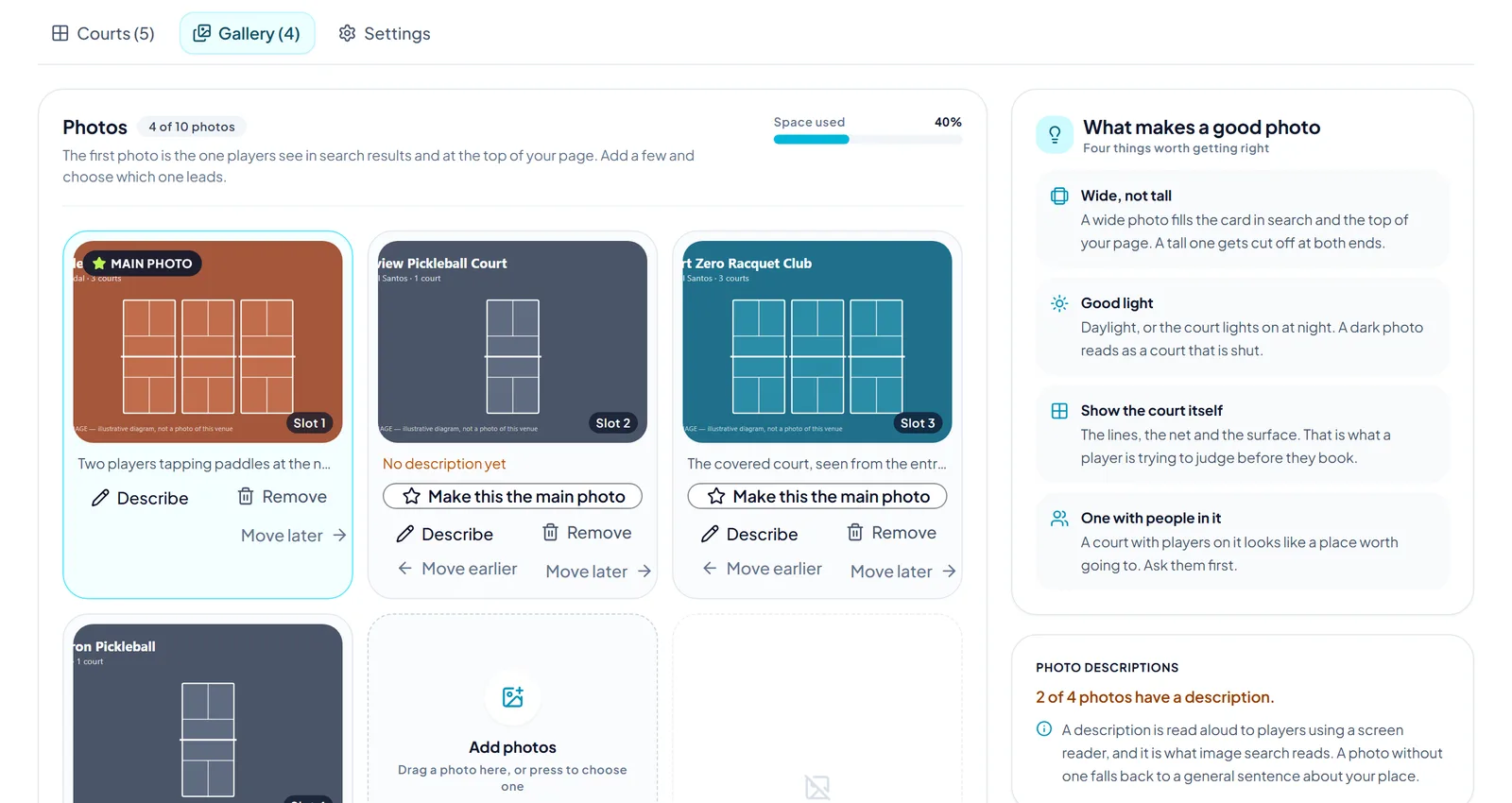
Open the place and choose Gallery. Add photos of the courts. The first one is the main photo in search. Write a short description for each photo: it is read aloud to players who cannot see it.
 Opens the picture full size
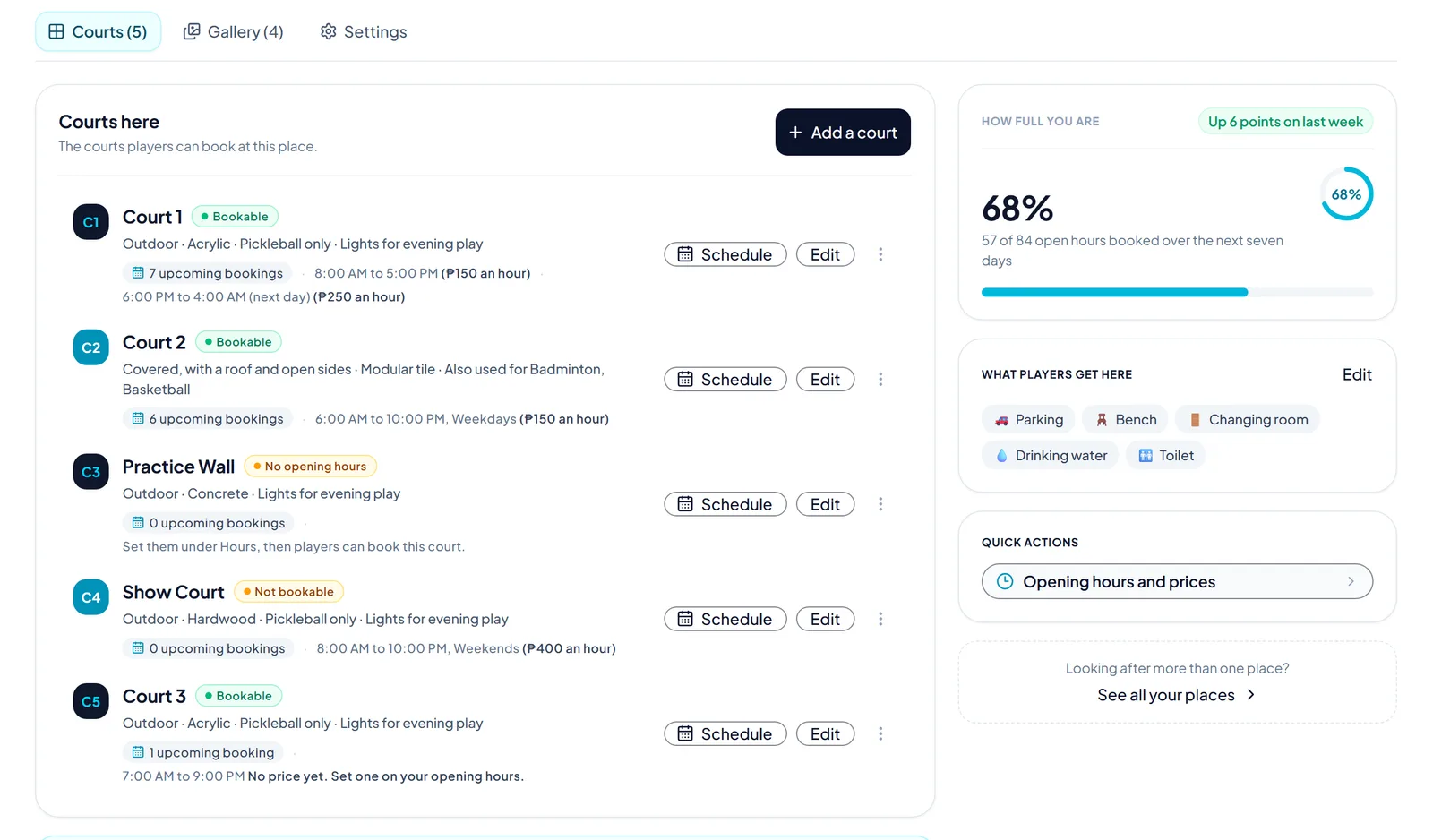
On the Courts tab, press Add a court. Give it a name, say if it is indoor, outdoor or covered, and choose the surface and lights. Prices are not set here: they come from your opening hours.
 Opens the picture full size
When the checklist is done, publish the place. It then shows on the map and in search, and players can send requests.
The pictures show example courts and players. Your own screens show your own courts and bookings.
Next guideSet opening hours and pricesThe FAQ answers the common ones. Read the FAQ
