We use a few small files called cookies. They keep you signed in, remember the area you chose and show prices in your own money. We do not use them for ads or tracking. What each one does
Some hosts let you book without an account. You give your name, a mobile number and an email, and the host confirms or declines as usual.
On the court page, use the booking box to pick a date, a court and a time, and choose how to pay. It works the same as any booking.
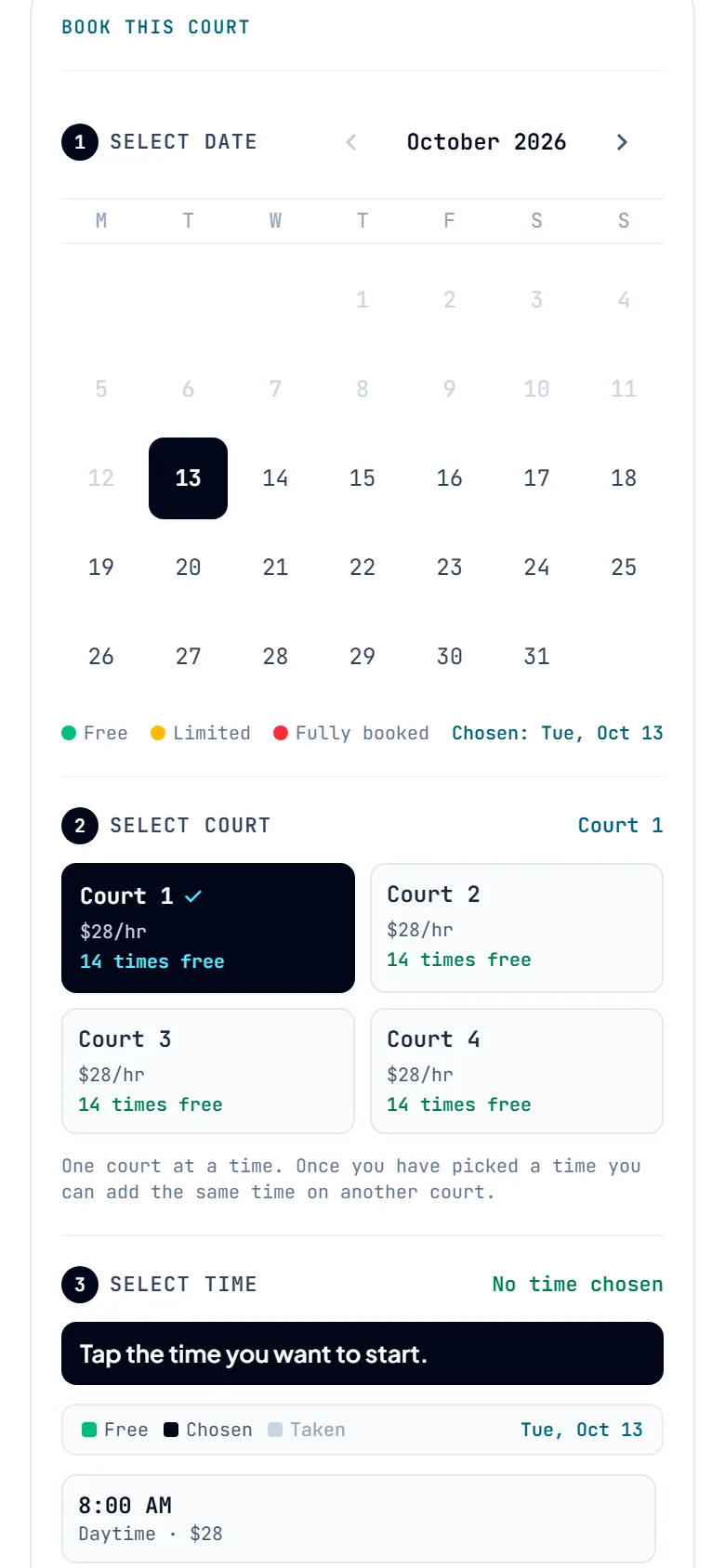
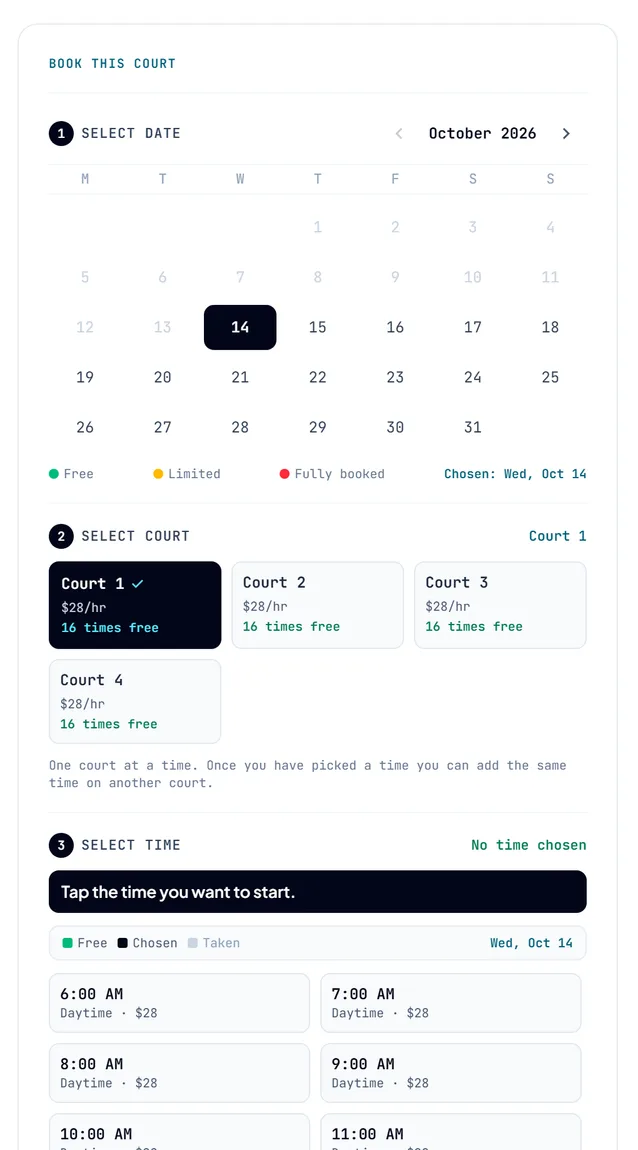
Under Book without an account, type your name, a mobile number and an email. The host uses the number to reach you. Press Send this request.
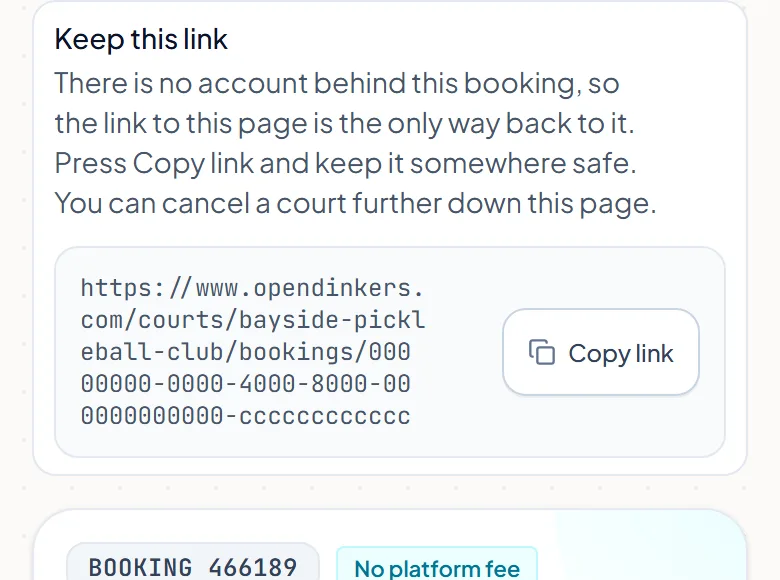
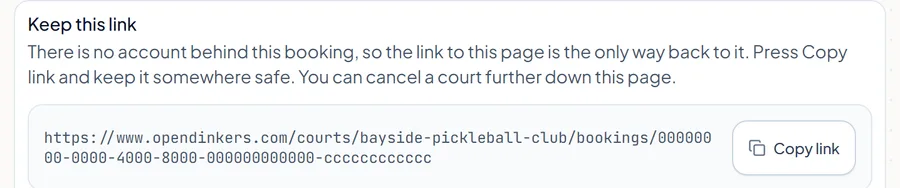
You land on your booking page. There is no account behind it, so the link to this page is how you get back. In the Keep this link box, press Copy link and save it somewhere safe.
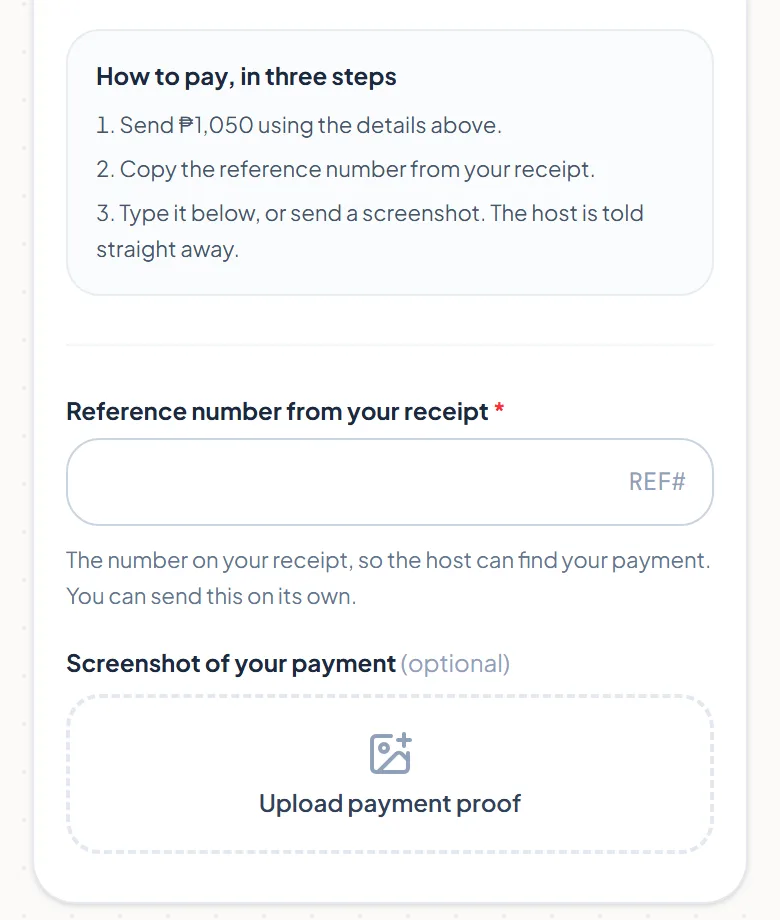
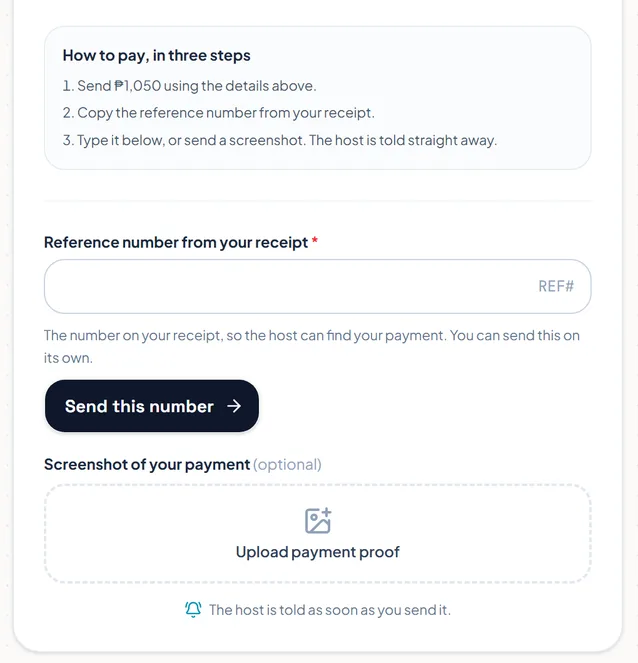
On the same page you can pay the way the How to pay box shows, and send your reference number or a screenshot. You can also press Message the host, or cancel a court under If you cannot make it.
Some hosts put a booking box on their own website. It works the same way. When your request is sent, press Open my booking page and keep that link.
The pictures show example courts and players. Your own screens show your own courts and bookings.
Next guidePay the hostThe FAQ answers the common ones. Read the FAQ
