We use a few small files called cookies. They keep you signed in, remember the area you chose and show prices in your own money. We do not use them for ads or tracking. What each one does
Only players who played at a court can review it. That is why every review on a court page comes from a real booking.
You can review a court once a booking of yours there was confirmed and its time has passed. You can have one review for each court.
Open the court's page, for example by pressing the court's name on your booking page. Write a review is under What players said.
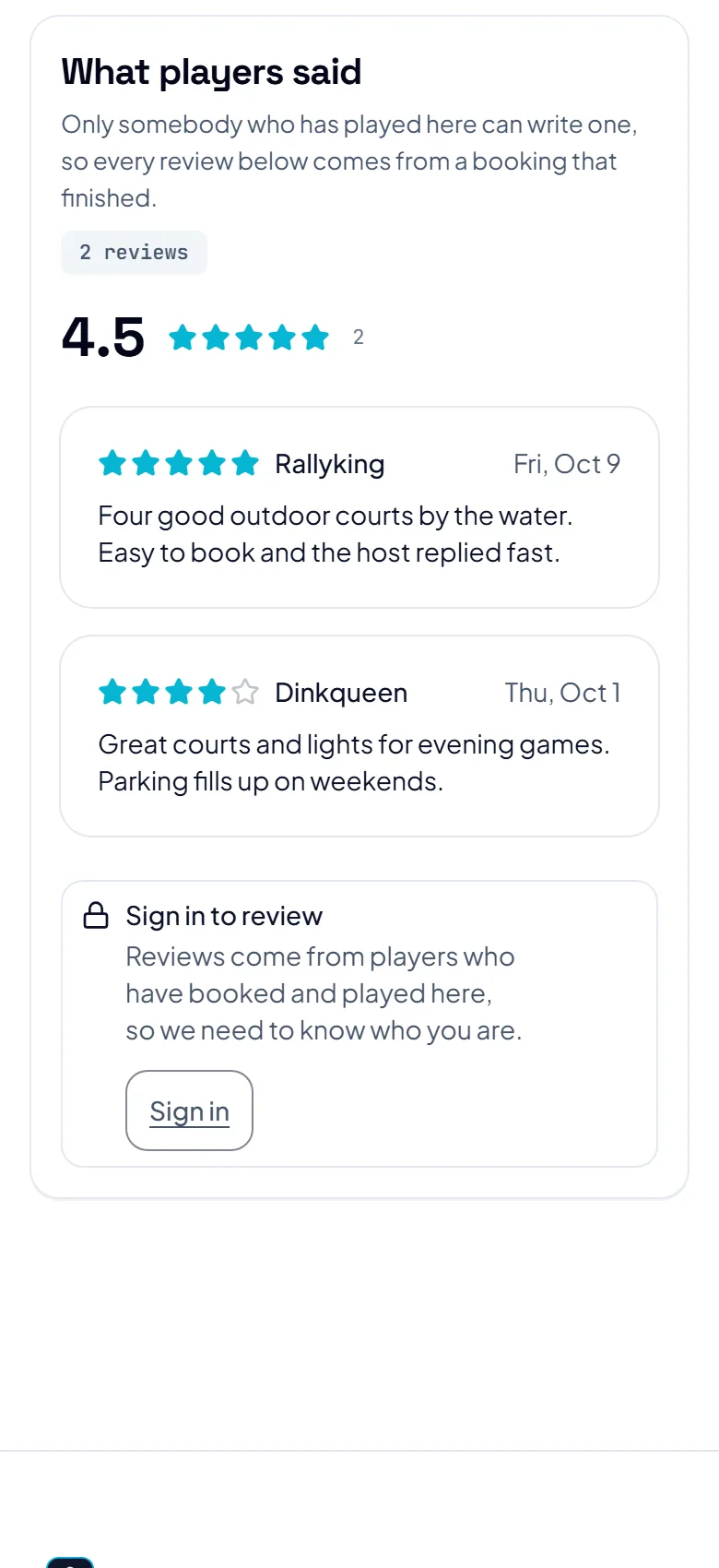
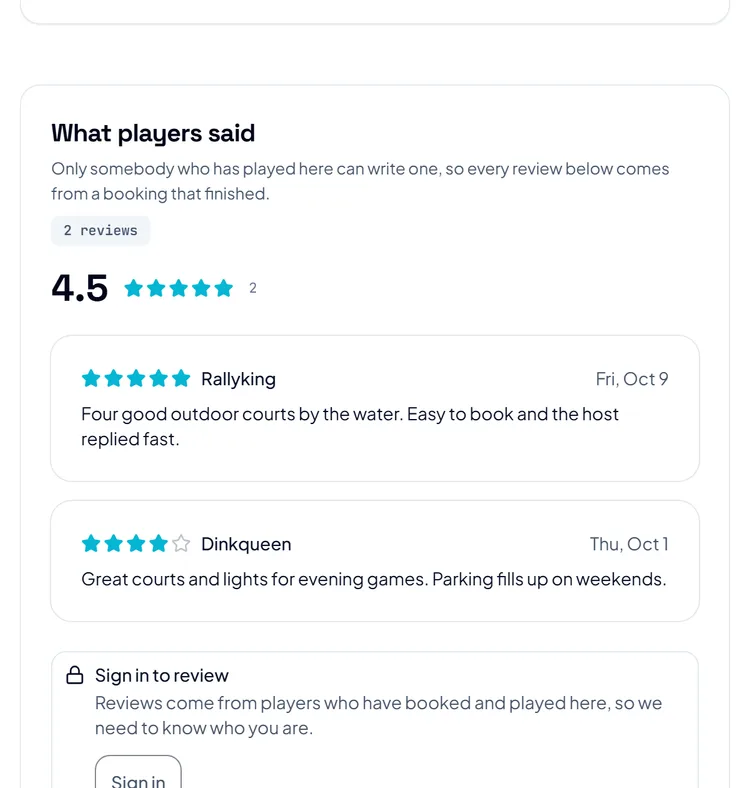
Under How was it?, tap a star from one to five. You can add a few words in the box under it, and everyone can read them. Press Post review.
Press Change my review, make your changes and press Save changes. To take it down, press Remove my review, then Remove it. Nobody else sees it then, and it stops counting in the rating.
The host can answer your review. Their answer shows under it as Reply from the host, and the bell tells you The host replied to your review.
The pictures show example courts and players. Your own screens show your own courts and bookings.
Next guideMessages and notificationsThe FAQ answers the common ones. Read the FAQ
