We use a few small files called cookies. They keep you signed in, remember the area you chose and show prices in your own money. We do not use them for ads or tracking. What each one does
Any member can add a session, unless the captain picks Only captain and organisers in Settings. The person who added it, the captain and the organisers run it.
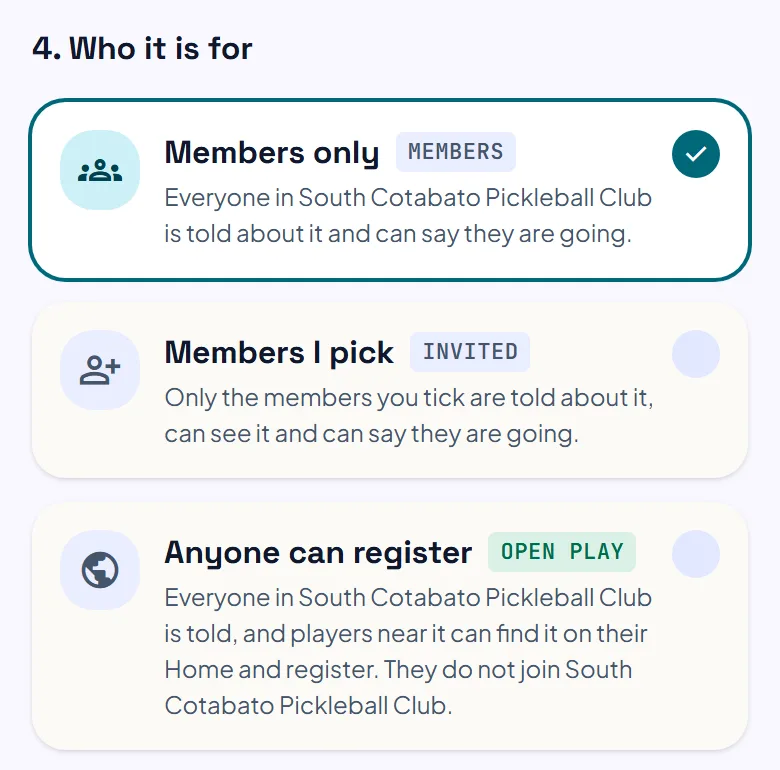
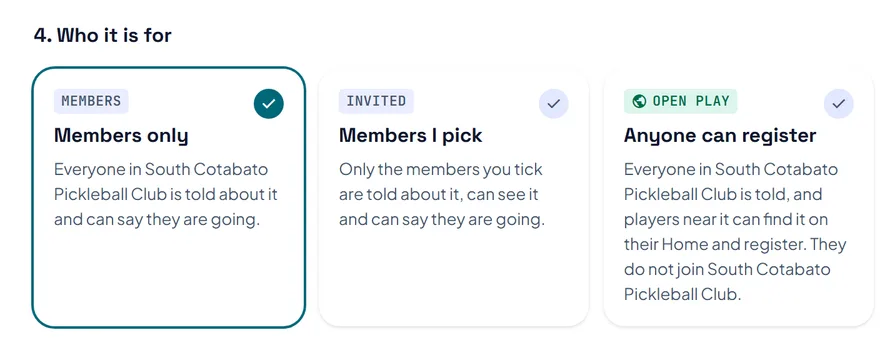
In the club, press Add a session, then pick One of your bookings or Somewhere else. Choose who it is for: Members only, Members I pick, or Anyone can register, which captains and organisers use for open play. Set the most players and the levels, then press Add session.
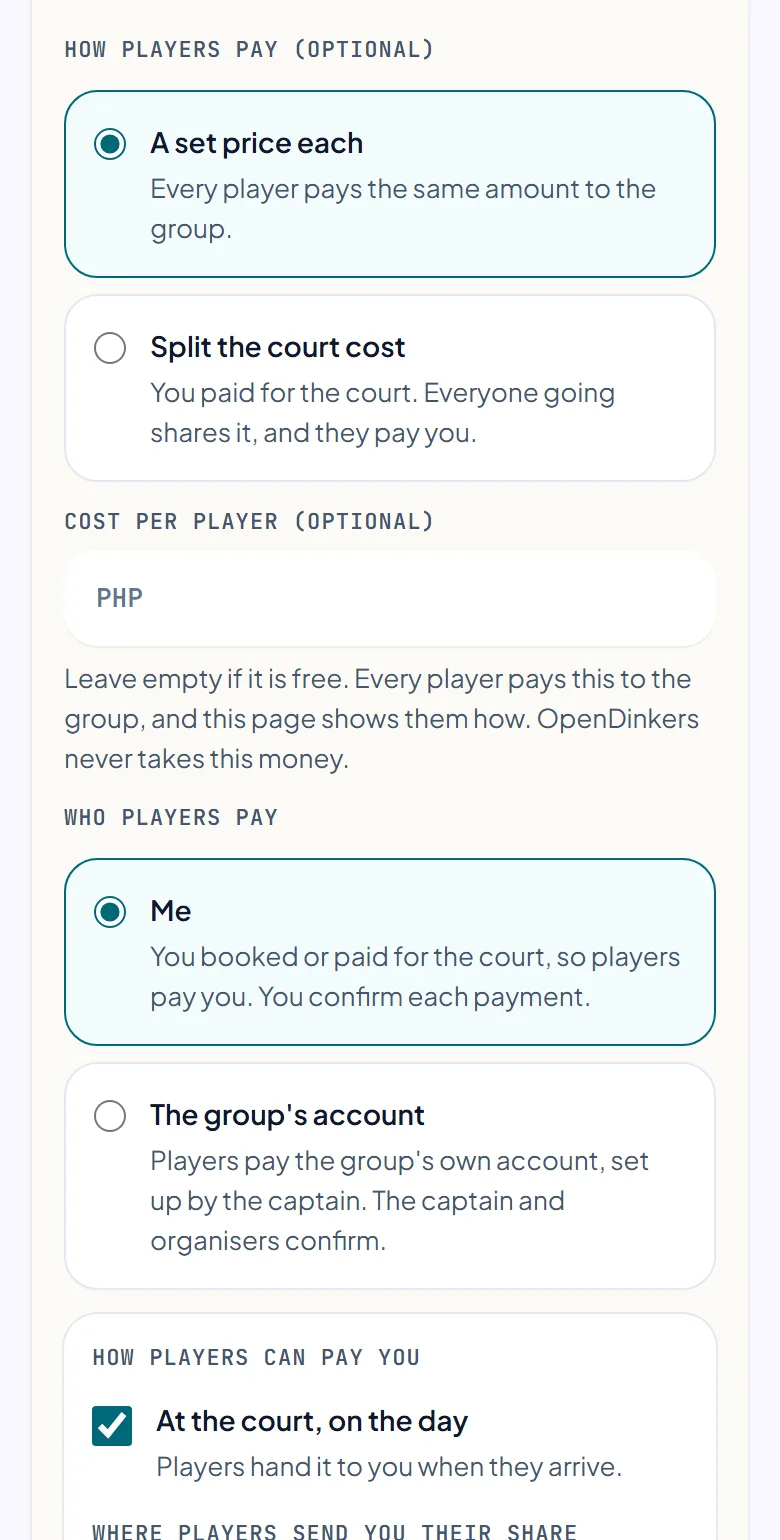
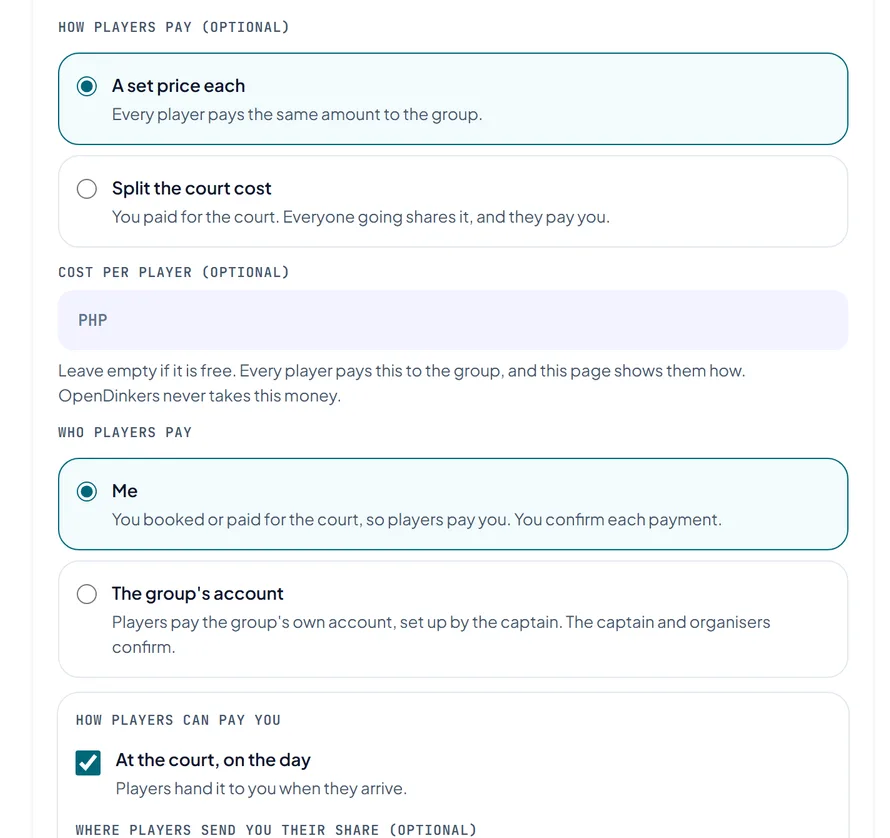
To charge, pick A set price each, or Split the court cost if you paid for the court, so each share goes down as more people come. Under Who players pay, pick Me or The group's account. For Me, tick At the court, on the day, or add the account players send their share to.
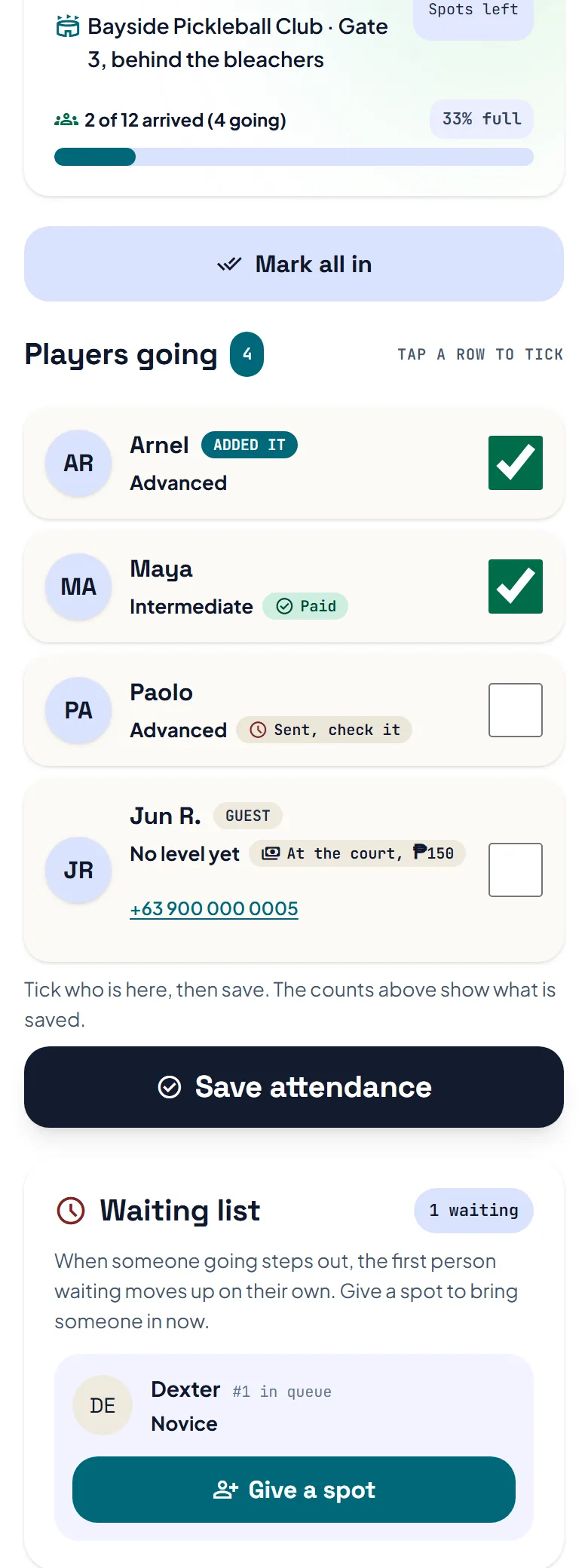
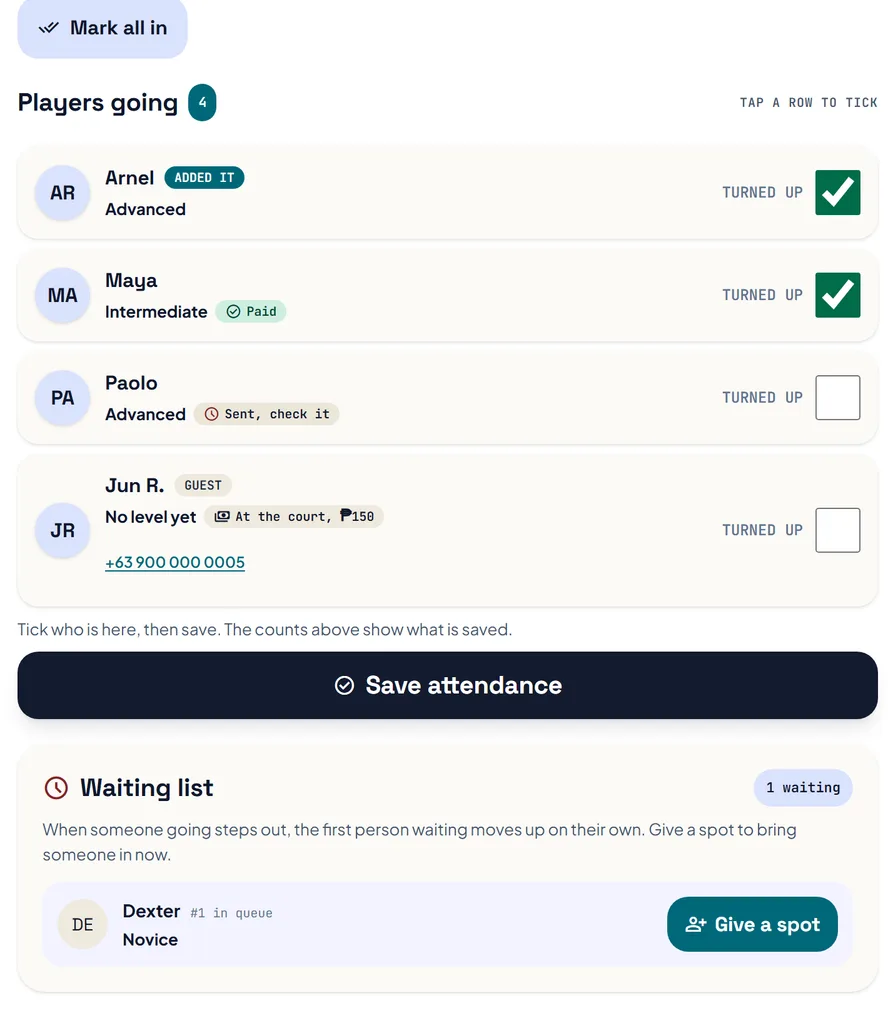
The session page shows who is going and the waiting list, and the first person waiting moves up when a spot opens. On the day, press Roster and attendance, tick who turned up, then press Save attendance. Press Give a spot to bring someone in from the waiting list.
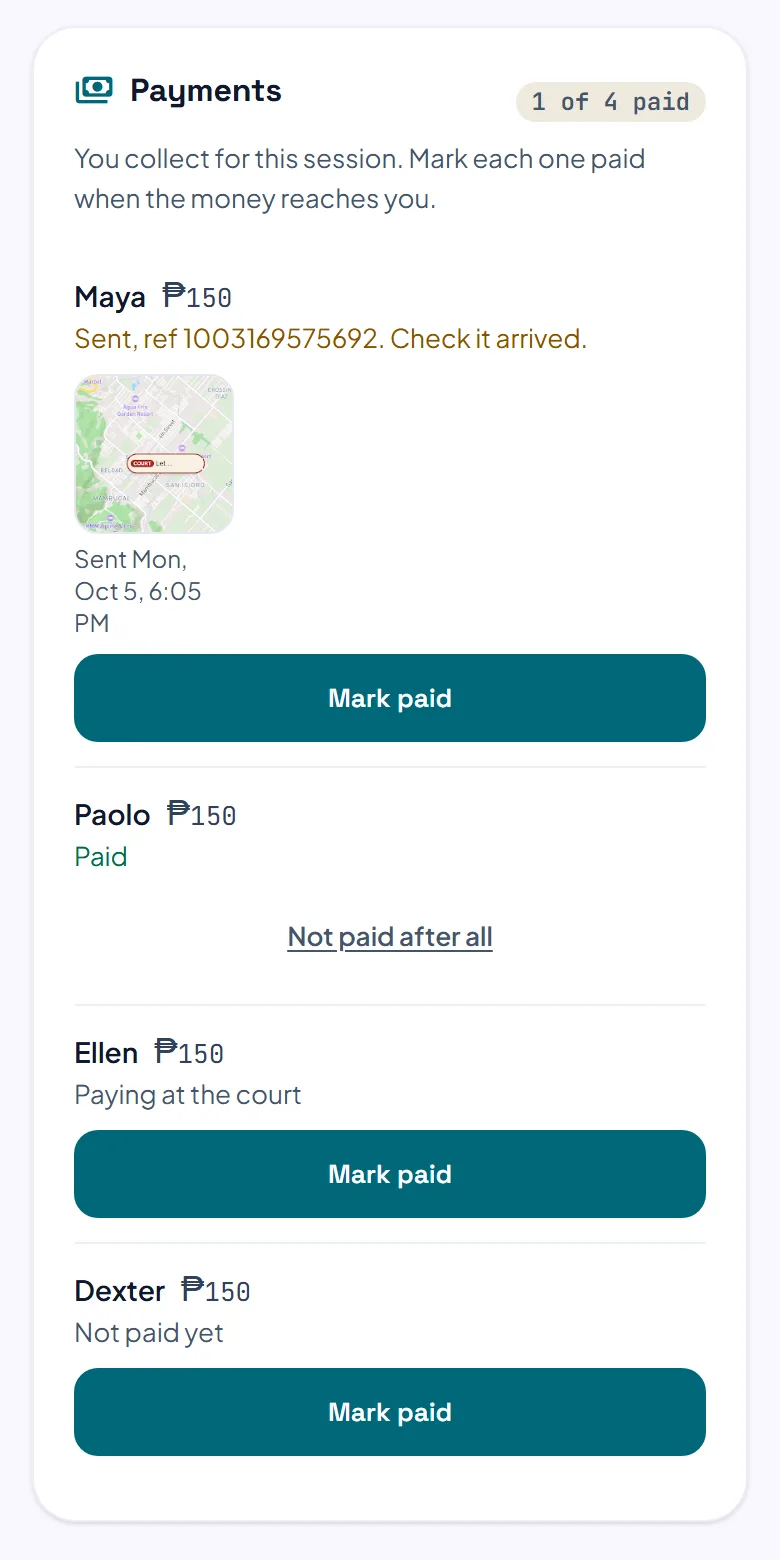
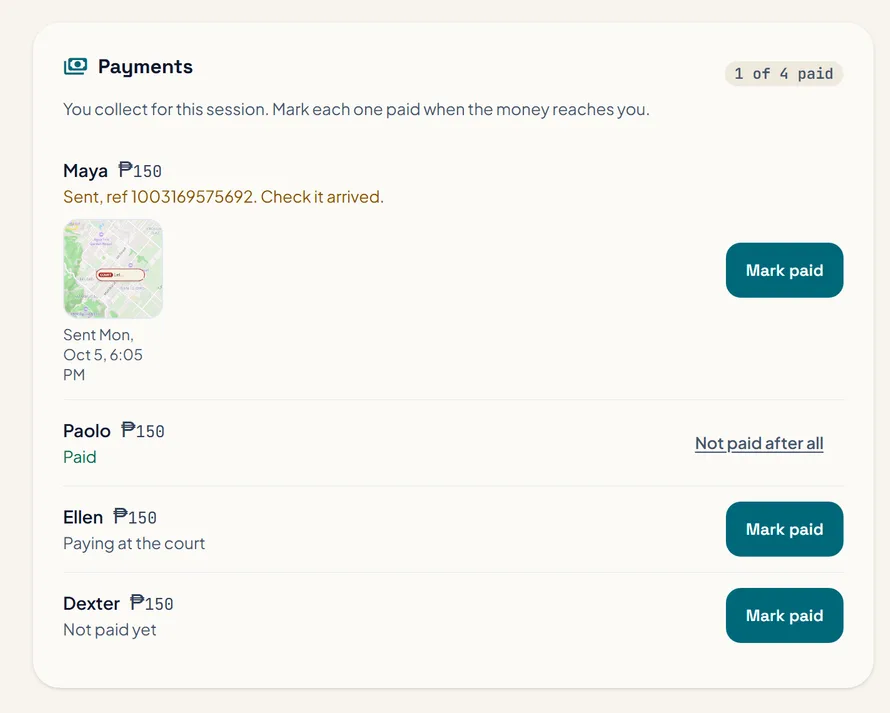
If you collect for the session, its page shows Payments. Each player shows as Not paid yet, Paying at the court, or Sent with a reference number. Check the money reached you, then press Mark paid, and the player gets a notification.
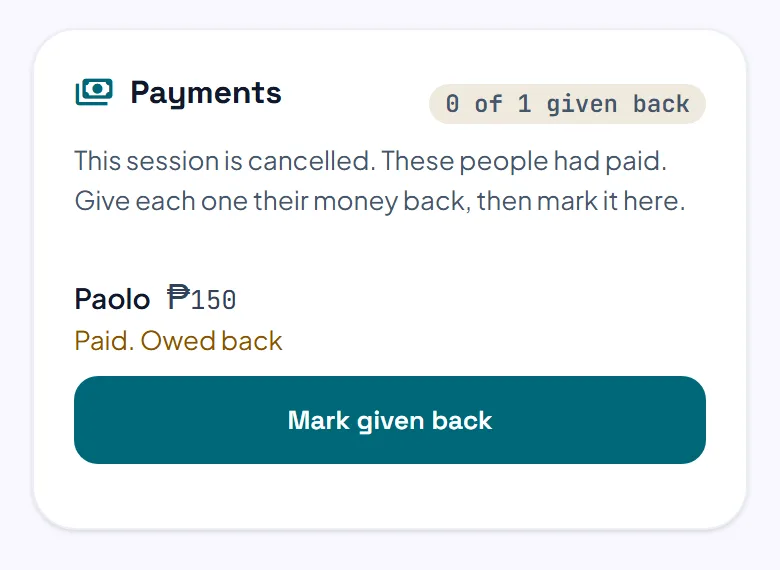
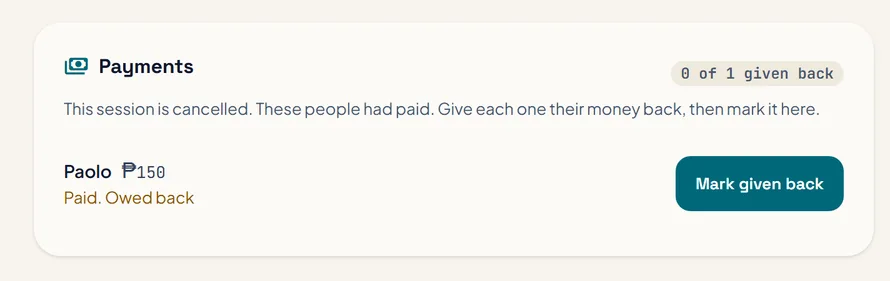
The person who added it, or the captain, can press Edit session before it starts. A booked session takes its time and place from the booking, and the price is locked once somebody has paid. Cancel this session tells everyone going or waiting, and Payments then shows who had paid: give their money back yourself and press Mark given back.
The pictures show example courts and players. Your own screens show your own courts and bookings.
Next guideYour Home and SchedulesThe FAQ answers the common ones. Read the FAQ
