We use a few small files called cookies. They keep you signed in, remember the area you chose and show prices in your own money. We do not use them for ads or tracking. What each one does
There is nothing to download from an app store. You add the site to your home screen, and it opens like an app.
At the top of the page, look for the bar that says Add OpenDinkers to your home screen. It shows in Chrome and Edge, and on an iPhone or iPad.
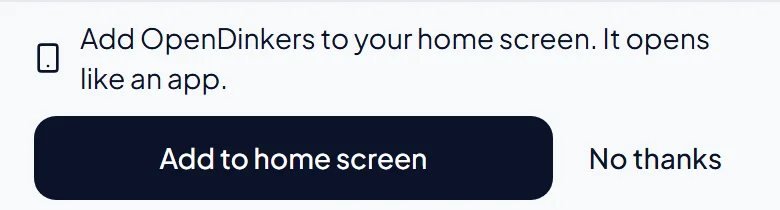

Press Add to home screen. Your browser opens a small box to check. Confirm it, and OpenDinkers gets its own icon.
Press Show me how. Tap the share button, the square with an arrow pointing up. Scroll down the list and choose Add to Home Screen.
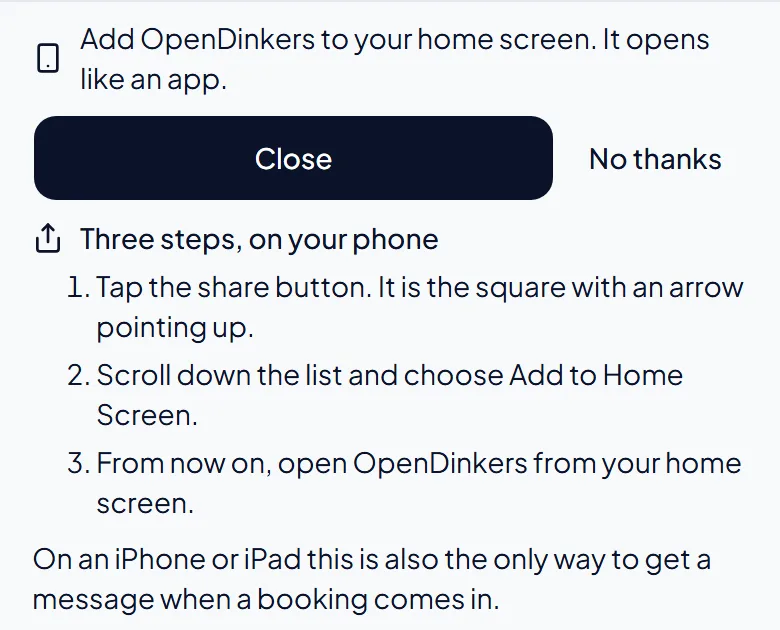

From now on, open OpenDinkers from its icon. It opens in its own window, without the browser's address bar. On an iPhone or iPad, this is also the only way to get notifications.
The pictures show example courts and players. Your own screens show your own courts and bookings.
Next guideClubs and open playThe FAQ answers the common ones. Read the FAQ
