We use a few small files called cookies. They keep you signed in, remember the area you chose and show prices in your own money. We do not use them for ads or tracking. What each one does
Most sign-in trouble has a quick fix. Start on the Sign in page.
If you signed up with Google or Facebook, press Continue with Google or Continue with Facebook. Otherwise type your email and password and press Sign in. The button marked Last used shows how you signed in last time on this phone or computer.
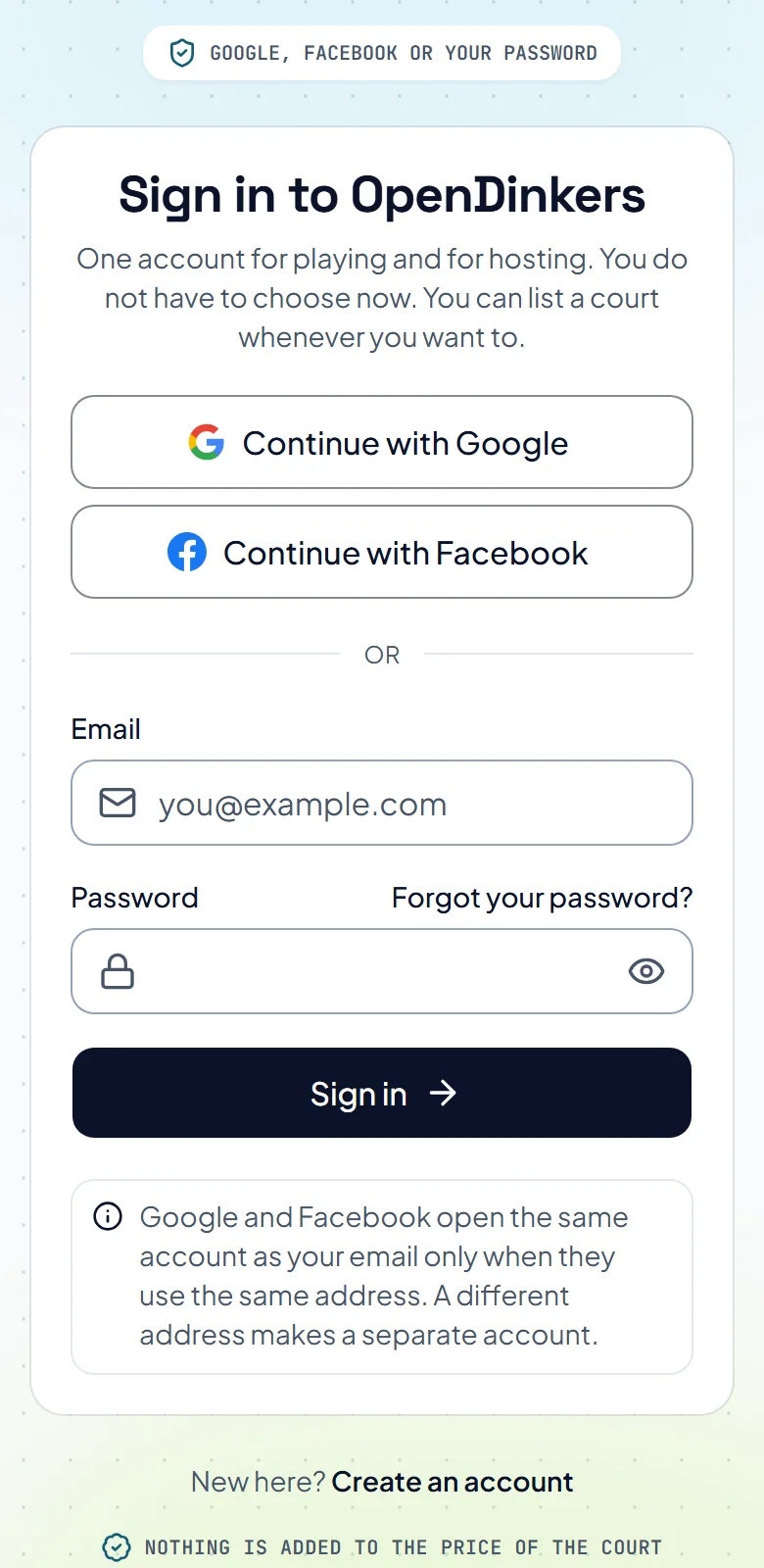
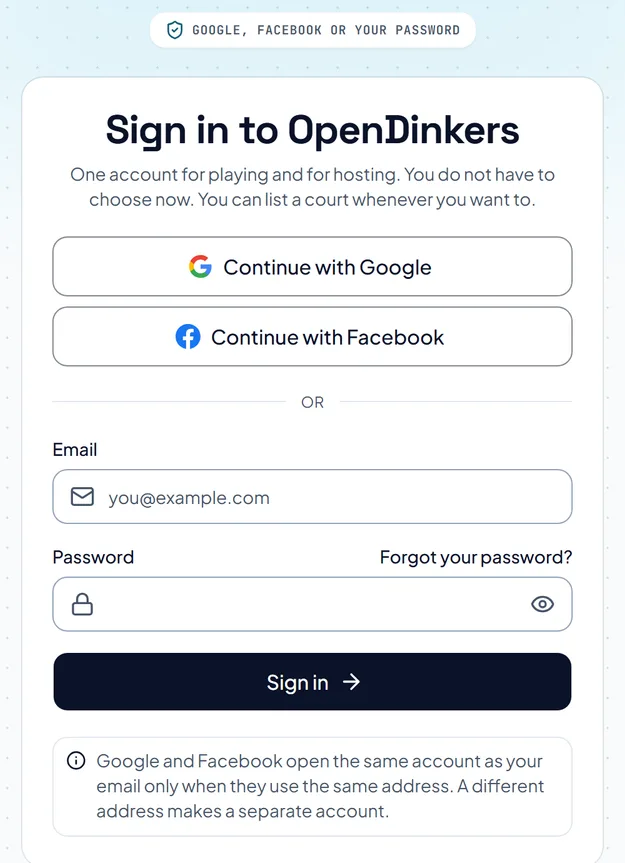
On the Sign in page, press Forgot your password?, type the email you signed up with and press Send me a link. The link works once and lasts one hour. If you cannot find it, look in your spam folder.
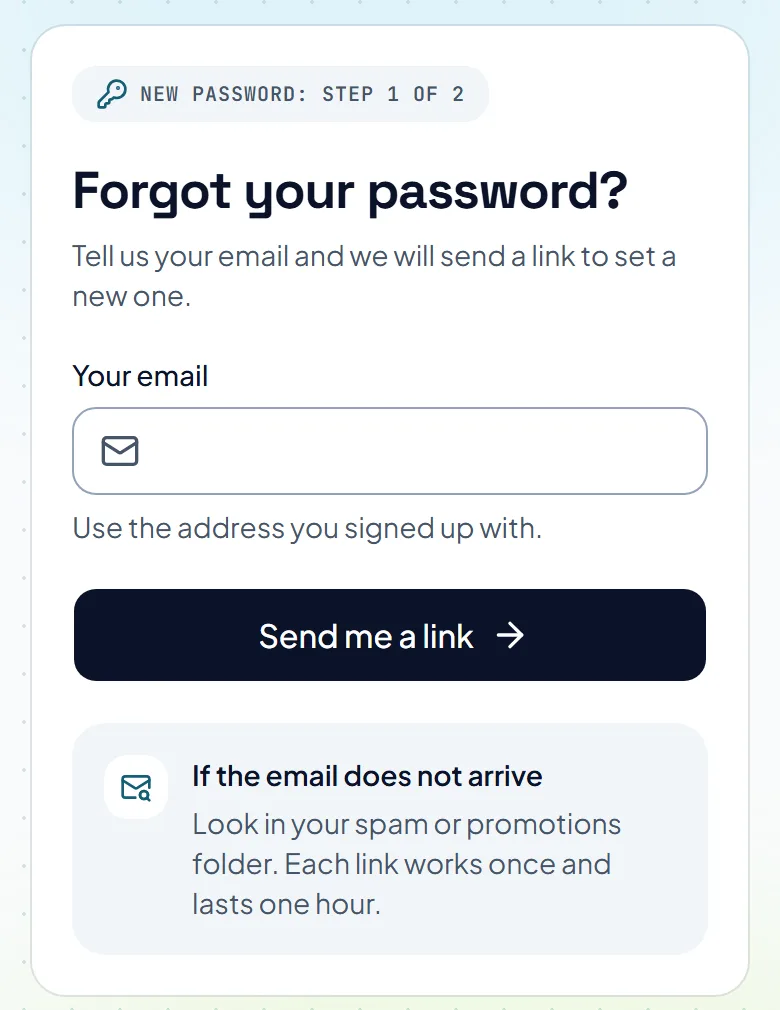
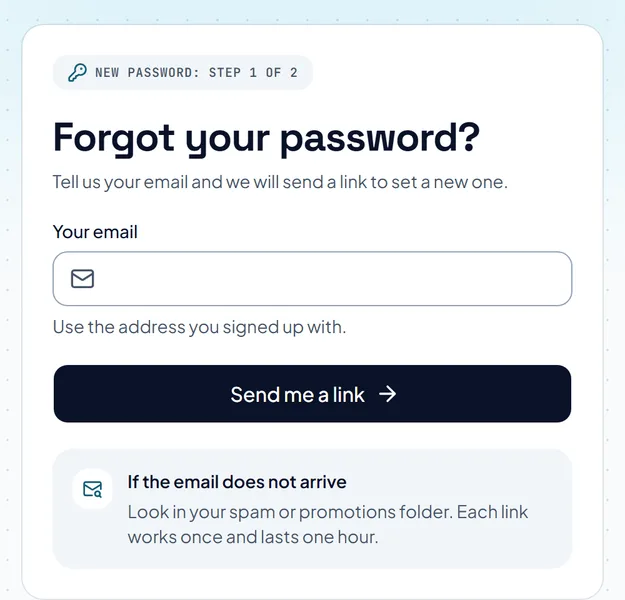
Open the link in the email. Type a new password of at least 8 characters and press Save my new password. You are signed in straight afterwards.
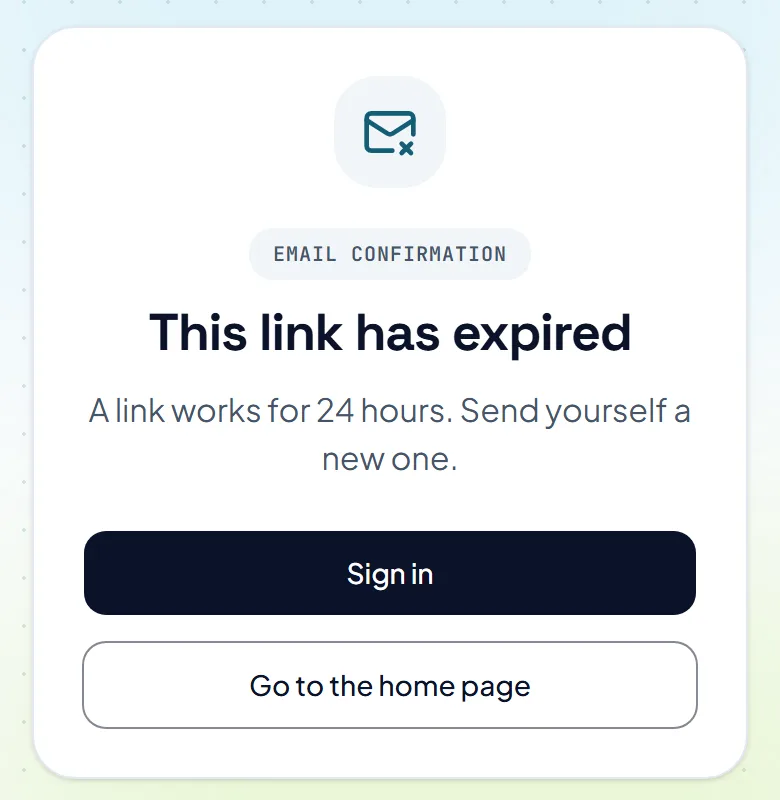
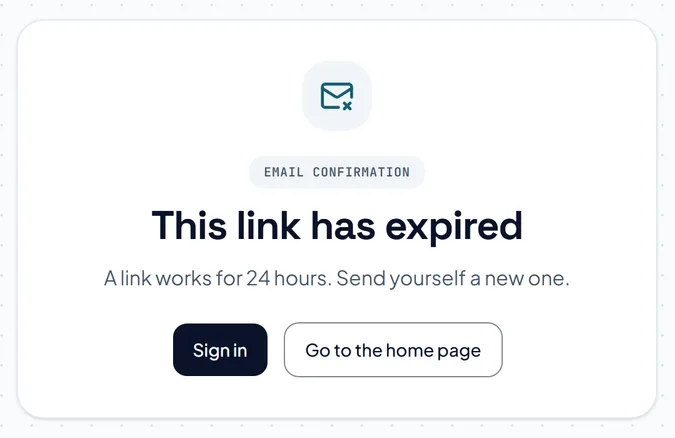
If sign-in says Confirm your email first, open the link we sent when you signed up. If you cannot find it, look in your spam folder.
If you turned on an authenticator app, we ask for its code after you sign in. Type the code the app shows now and press Finish signing in.
The pictures show example courts and players. Your own screens show your own courts and bookings.
Next guideFind a court near youThe FAQ answers the common ones. Read the FAQ
