We use a few small files called cookies. They keep you signed in, remember the area you chose and show prices in your own money. We do not use them for ads or tracking. What each one does
This guide is for captains. Most settings are for the captain only, under Settings on the club page.
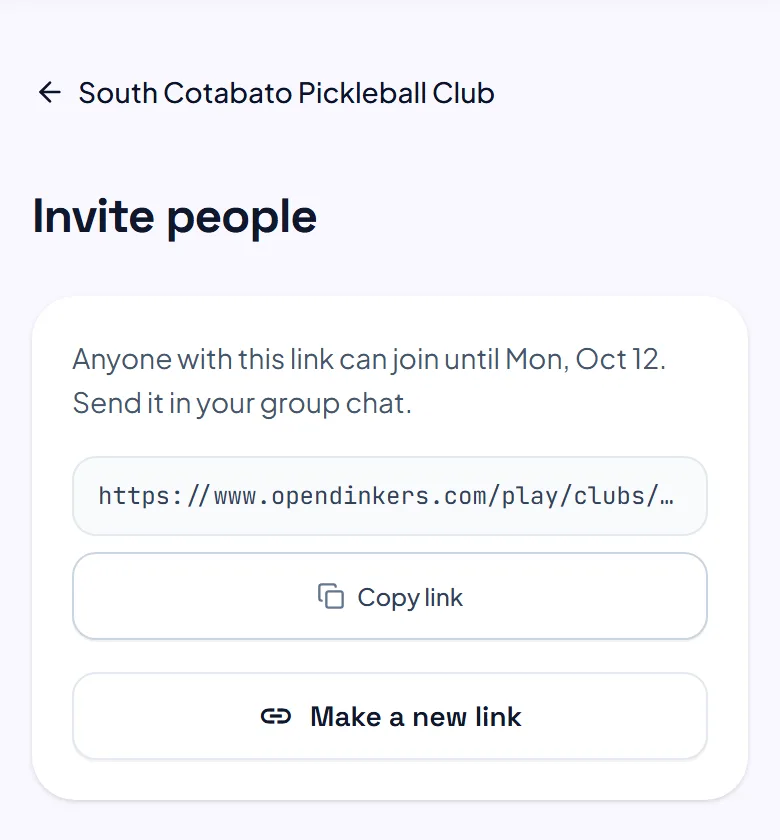
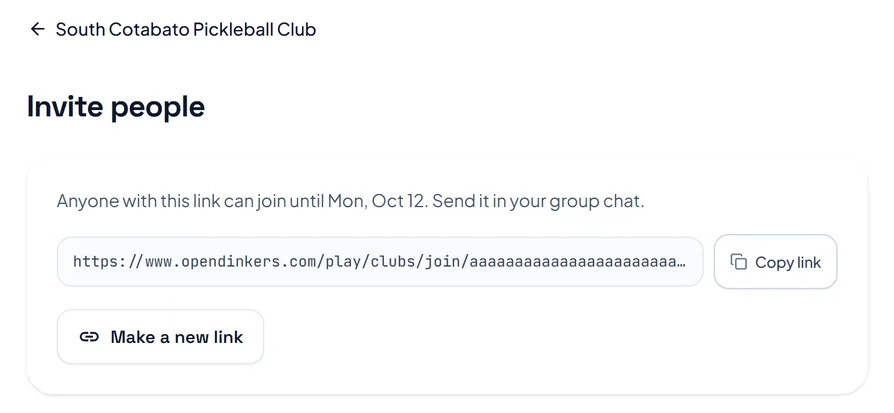
On the club page, press Invite a player, then Copy link and send it to your group chat. The link works until the date on that page. Press Make a new link when it runs out, or to stop the old link working.
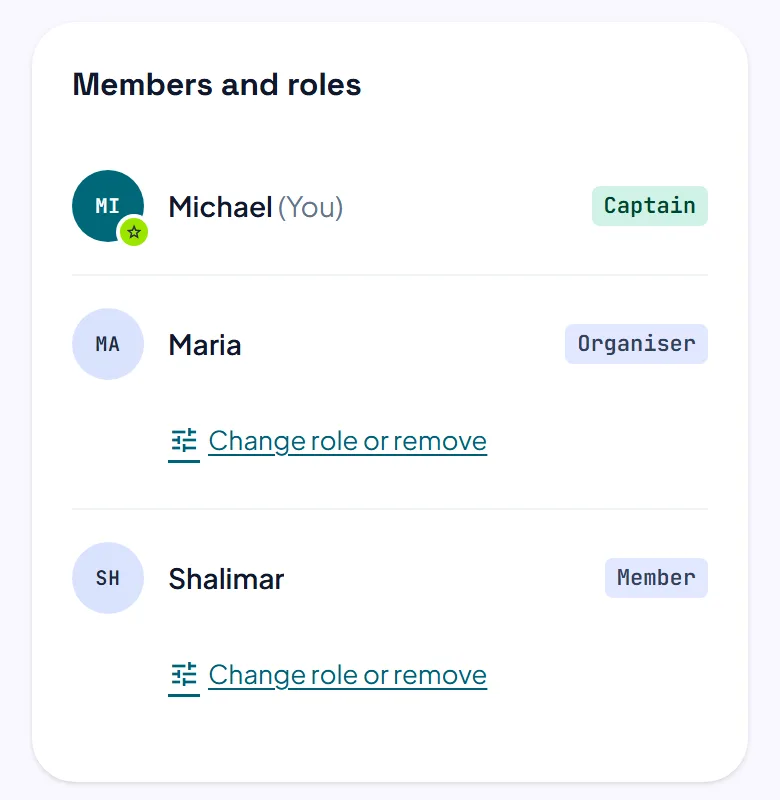
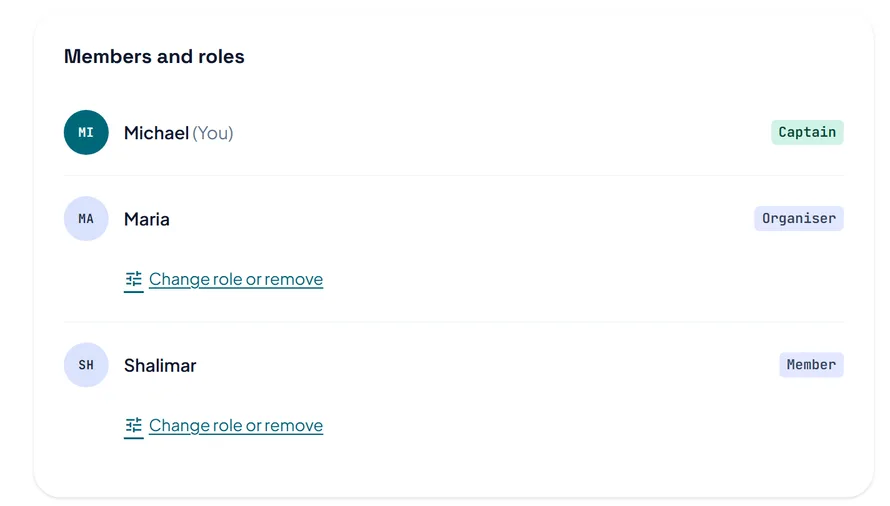
In Settings, under Members and roles, press Change role or remove beside a name. Make organiser lets them invite people, start open play, run every session and confirm payments to the club. Make captain gives them all the settings too, and Remove takes them out of the club and its squads.
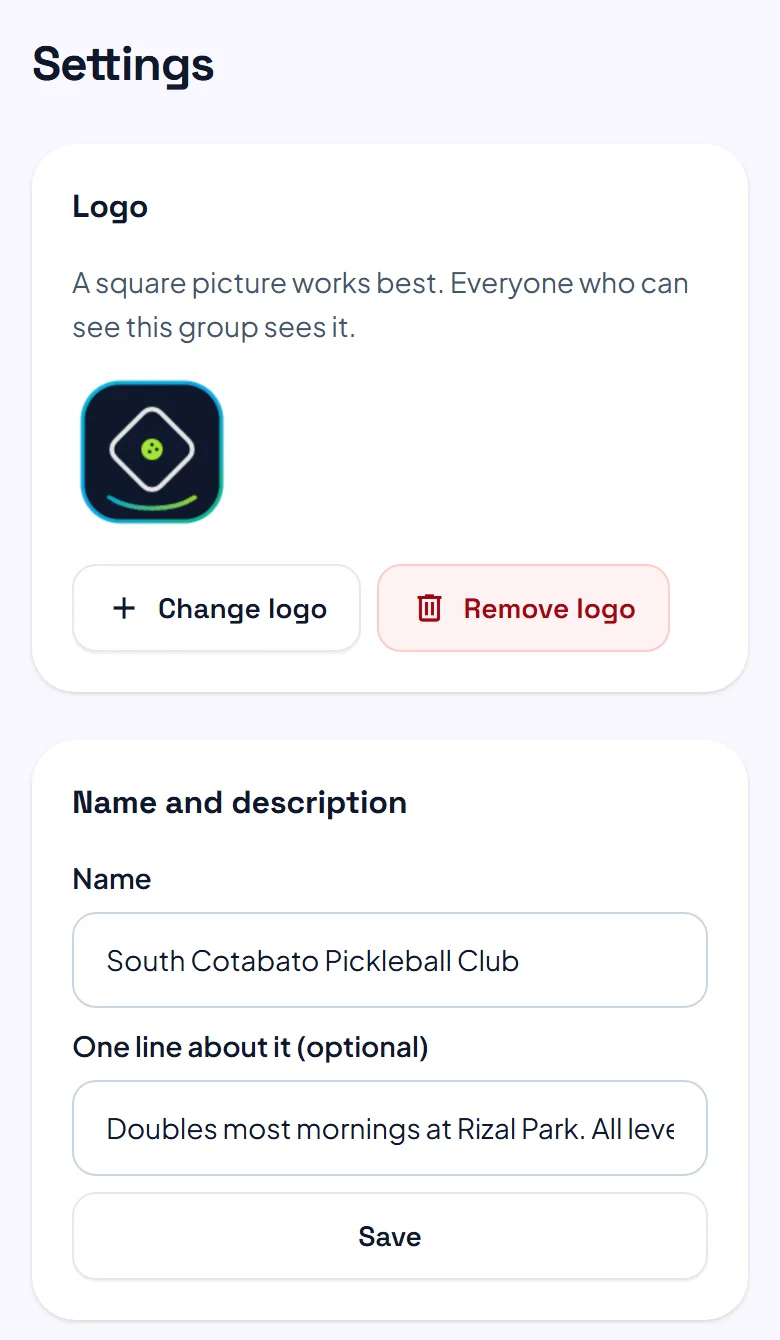
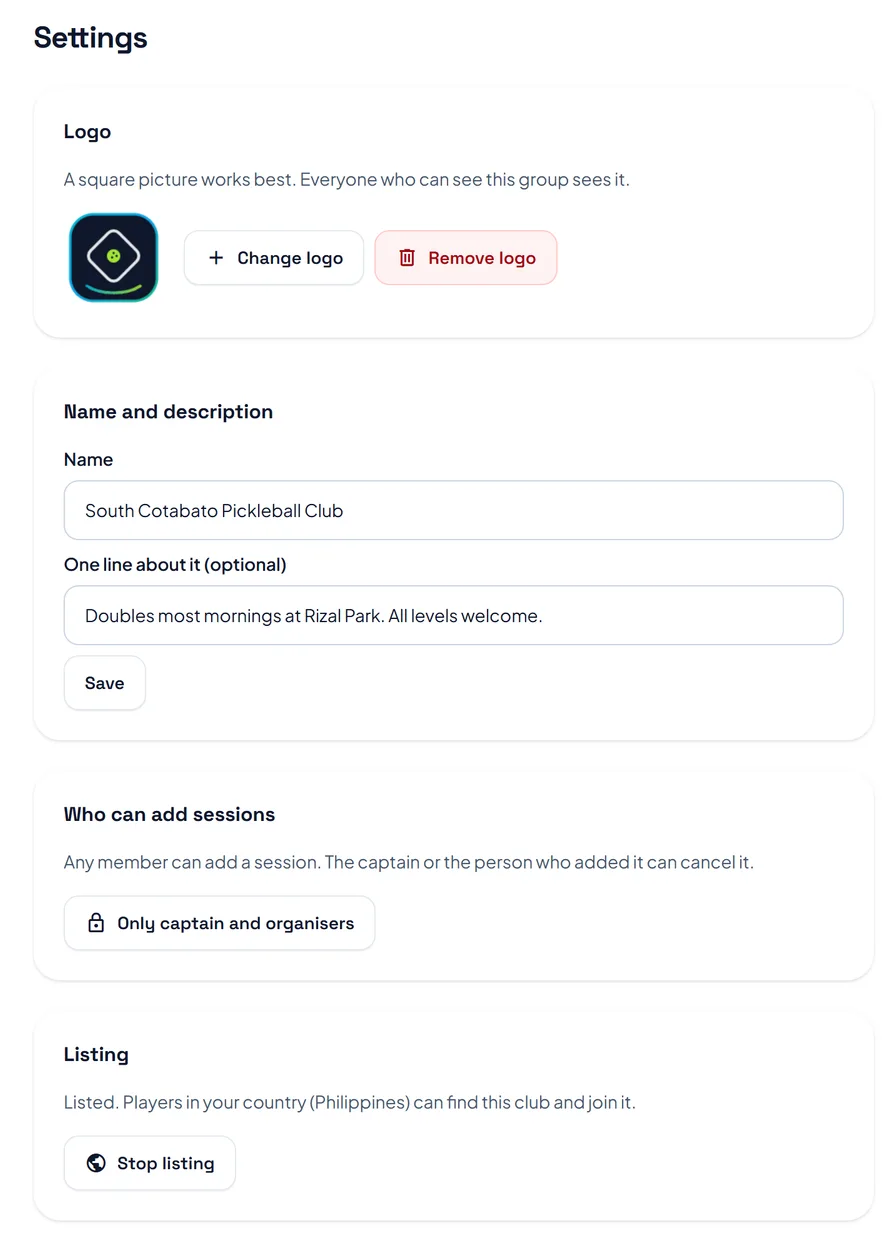
Press Add a logo, change the name and description, then press Save. Under Listing, press List this club so players in your country can find it and join. Press Stop listing to keep it to invite links only.
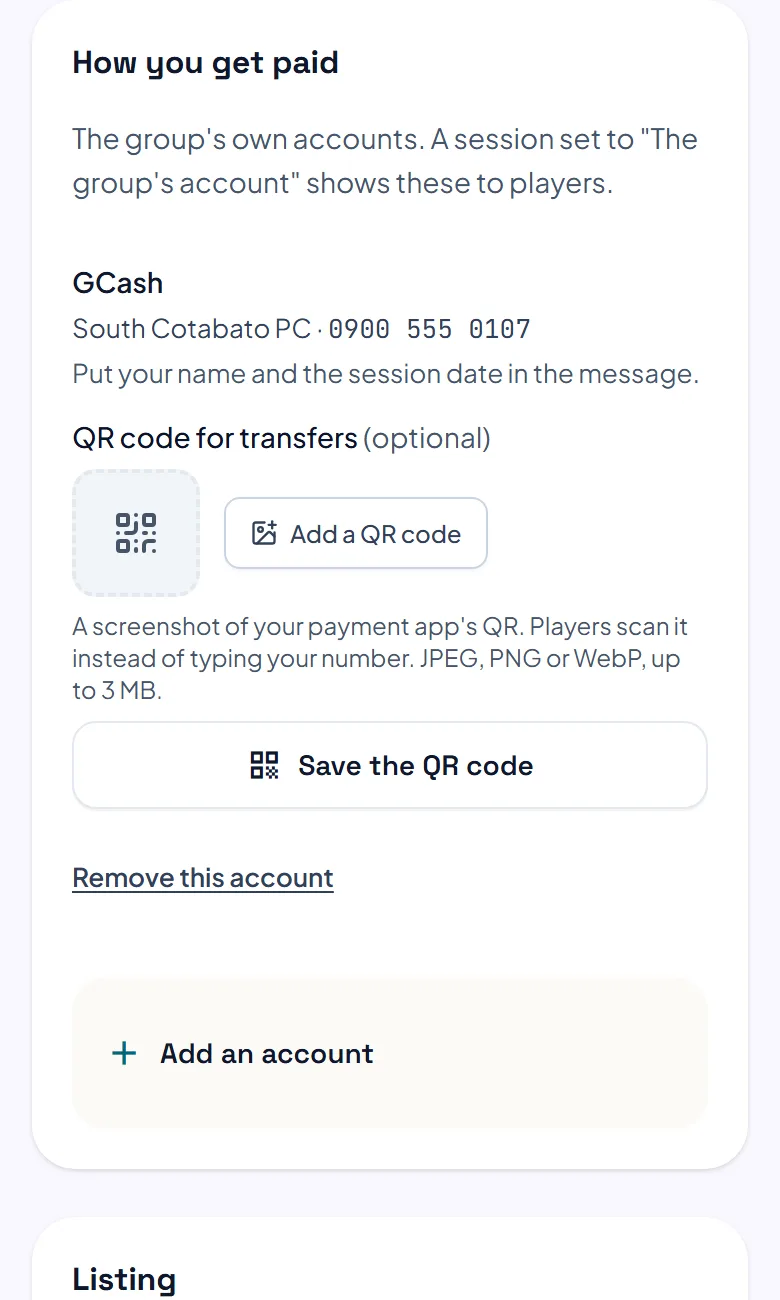
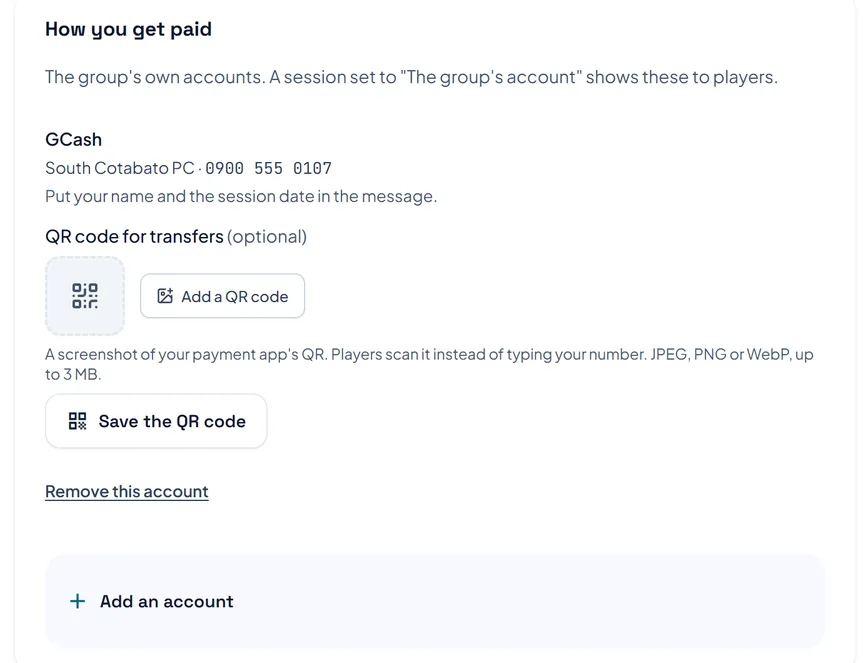
Under How you get paid, press Add an account. Choose the kind, type the name and number players send to, add a QR code if you have one, then press Add this account. Sessions paid to The group's account show these to players.
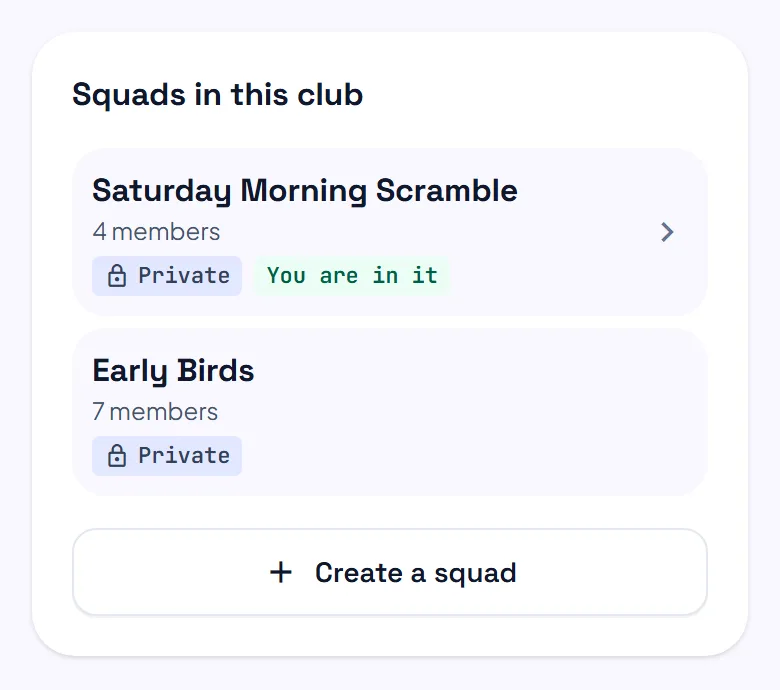
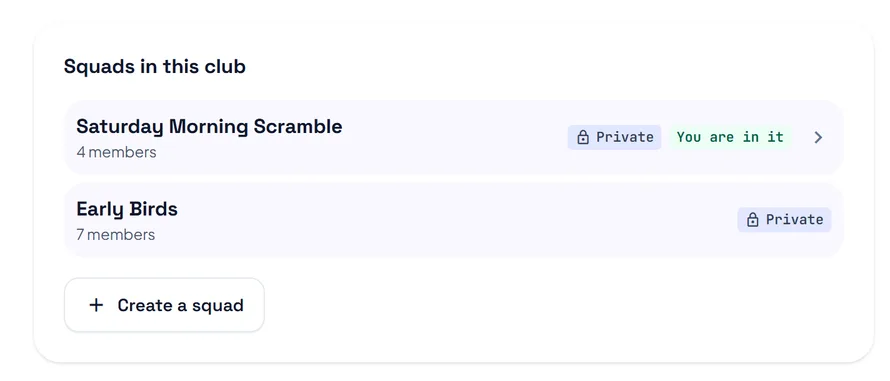
Under Squads in this club, any member can press Create a squad. A squad is private: only its members see who is in it and when it plays. It uses the club's accounts until it adds its own.
The pictures show example courts and players. Your own screens show your own courts and bookings.
Next guideRun a sessionThe FAQ answers the common ones. Read the FAQ
