We use a few small files called cookies. They keep you signed in, remember the area you chose and show prices in your own money. We do not use them for ads or tracking. What each one does
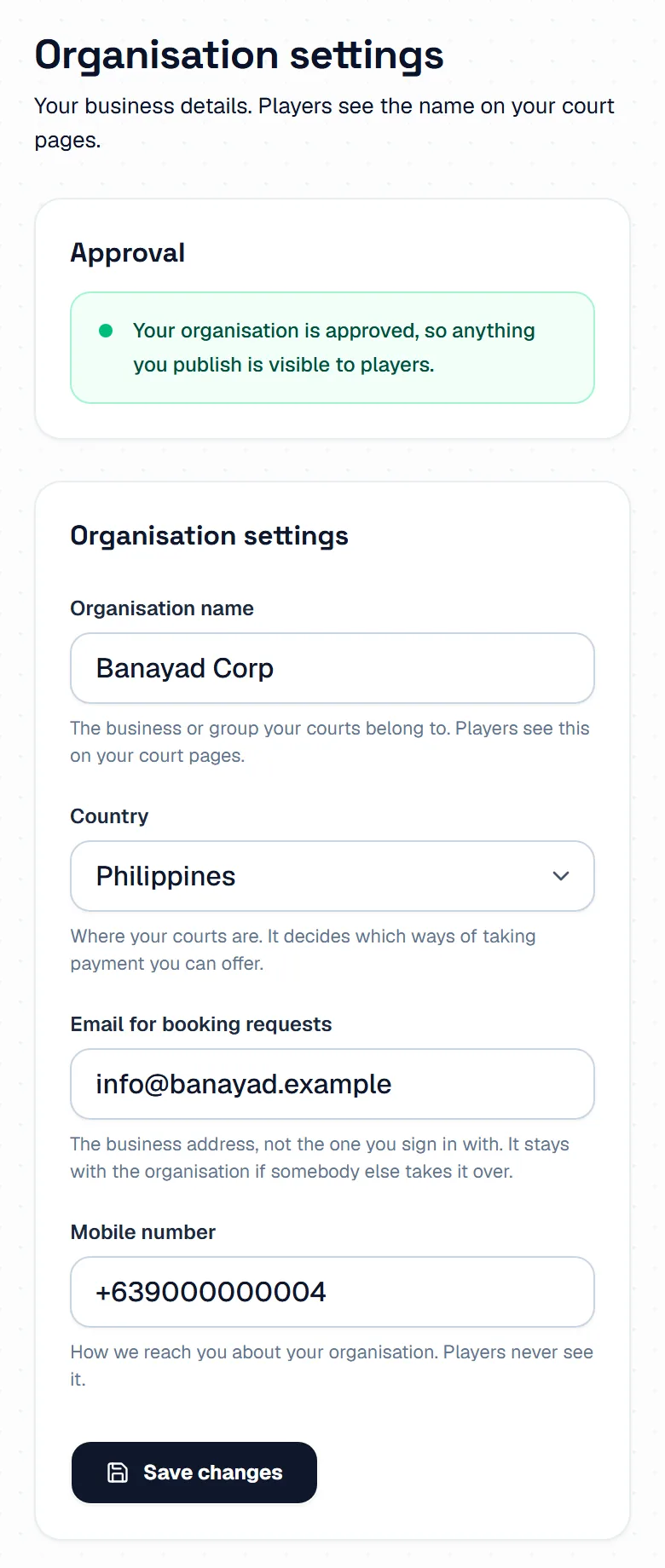
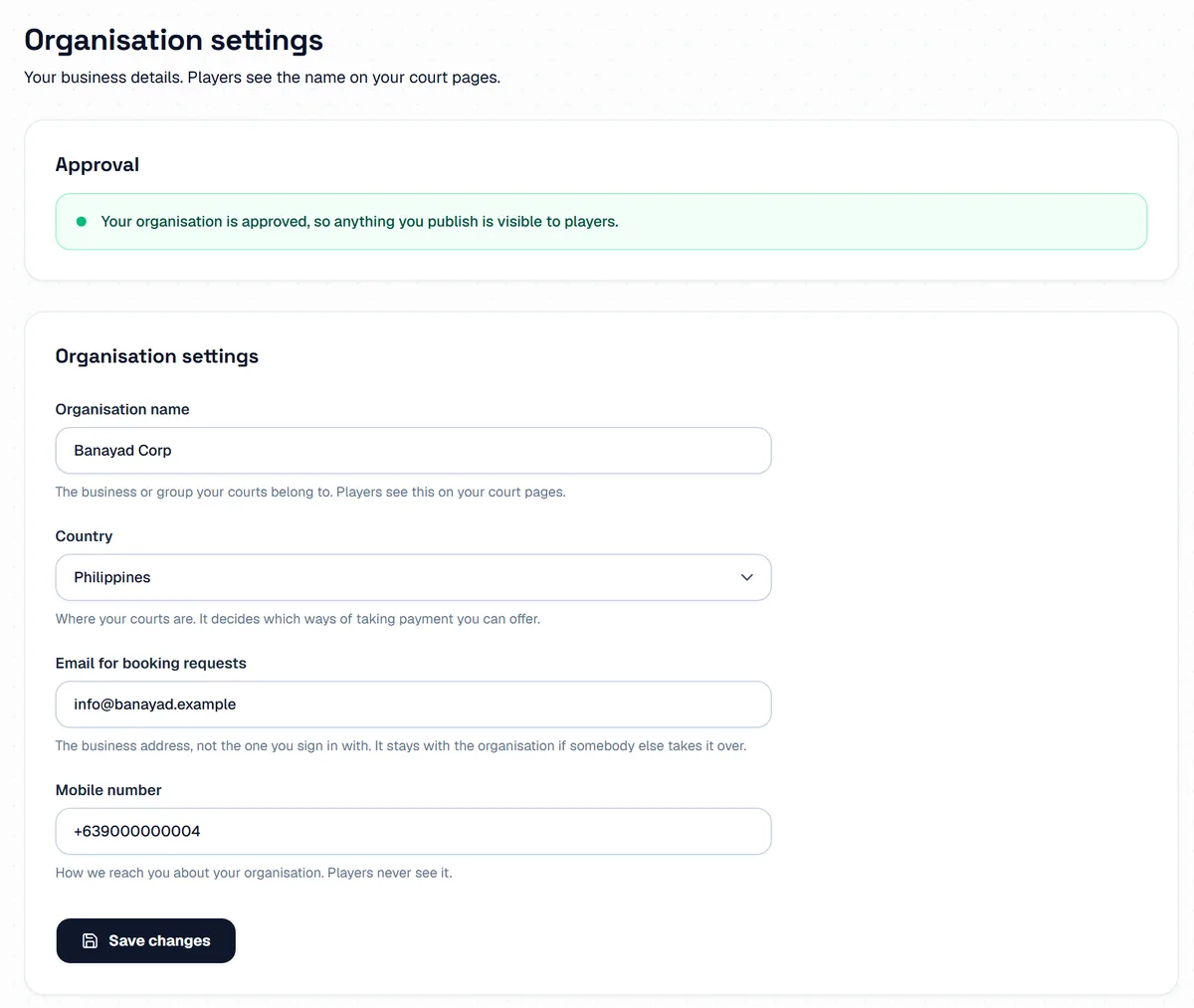
Settings holds the details of your business. Only the owner sees it: team members do not have this page.
Open Settings in the host menu. On a phone it is under More. Approval says whether we have approved your business yet.
Change the Organisation name, the Country, the Email for booking requests or the Mobile number, then press Save changes. Players see the name on your court pages. They never see the mobile number.
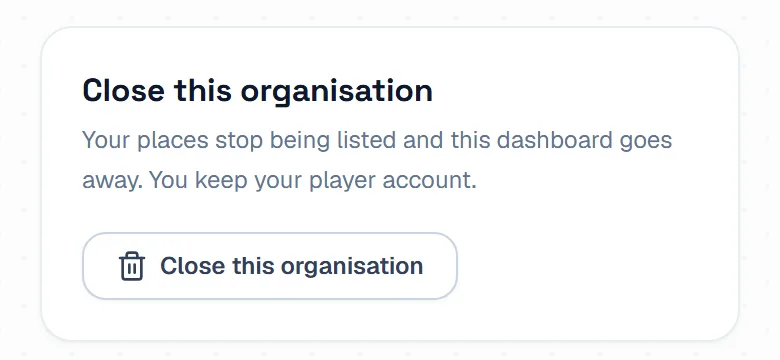
Press Close this organisation, then Yes, close it. Your places stop being listed, and you keep your player account. A business that has taken any booking cannot be closed, so hide your places instead.

Your own name, photo, password and sign-in settings are not here. Press My profile in the menu. It is the same page you have as a player.
Press Switch to Player Mode at the bottom of the host menu, or under More on a phone. To come back, press Switch to hosting in the menu under your photo. When you sign in, we open the side you used last on that phone or computer.
The pictures show example courts and players. Your own screens show your own courts and bookings.
Next guideAdd booking to your own websiteThe FAQ answers the common ones. Read the FAQ
