We use a few small files called cookies. They keep you signed in, remember the area you chose and show prices in your own money. We do not use them for ads or tracking. What each one does
A host can invite you to help with their bookings. You use your own account, and your bookings as a player stay yours.
The owner invites you by your email address. Open the invitation link they sent you. The page says which business invited you and which address it is for.
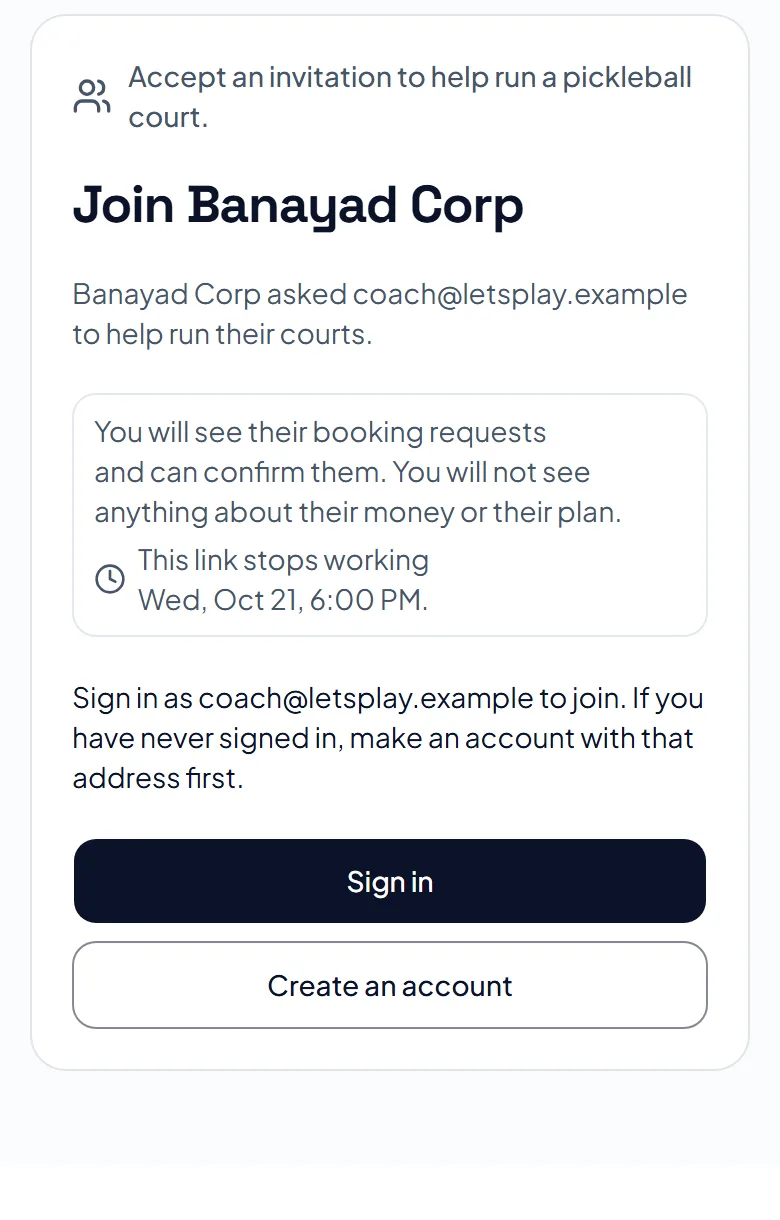
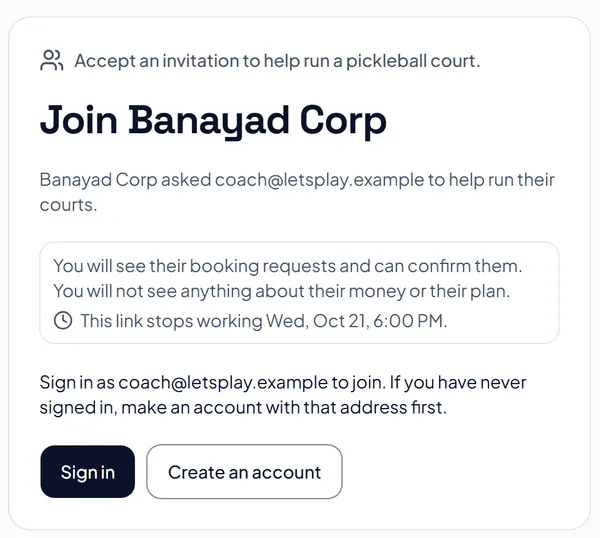
Press Sign in, or Create an account if you are new. Use the address the invitation was sent to, and confirm it if we ask. When you sign in with it, you join the team.
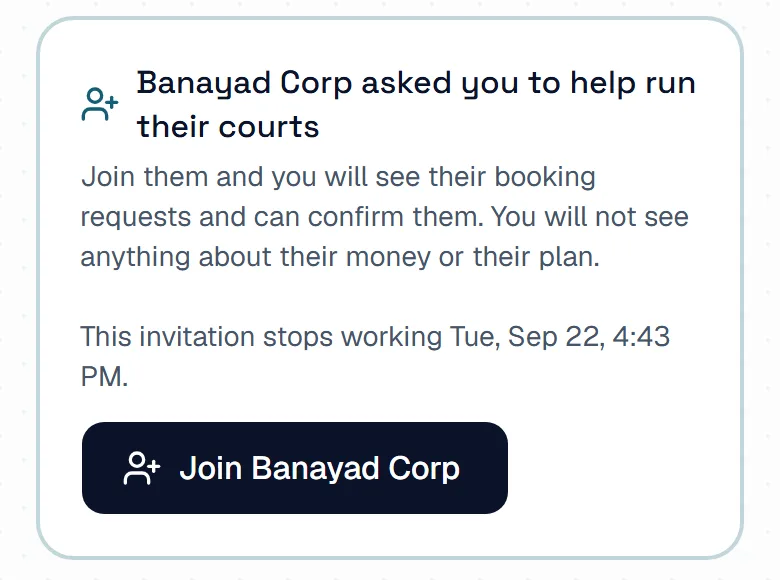
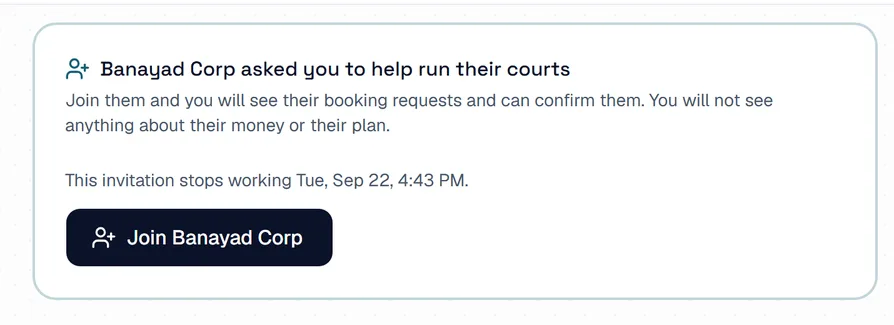
If you were already signed in, press Join and the business name on the invitation page. If you do not run courts of your own, the same button also shows at the top of the hosting side. You then land on the business's Dashboard.
As a team member you see Dashboard, Bookings, Schedule / Calendar, Check-in & QR Pass, Reviews and Team Members. You can confirm or decline requests, check players in and reply to reviews. Only the owner can change places, hours, prices, payment and the plan.
Open Team Members and press Leave this team, then Leave the team. To come back, the owner has to invite you again.
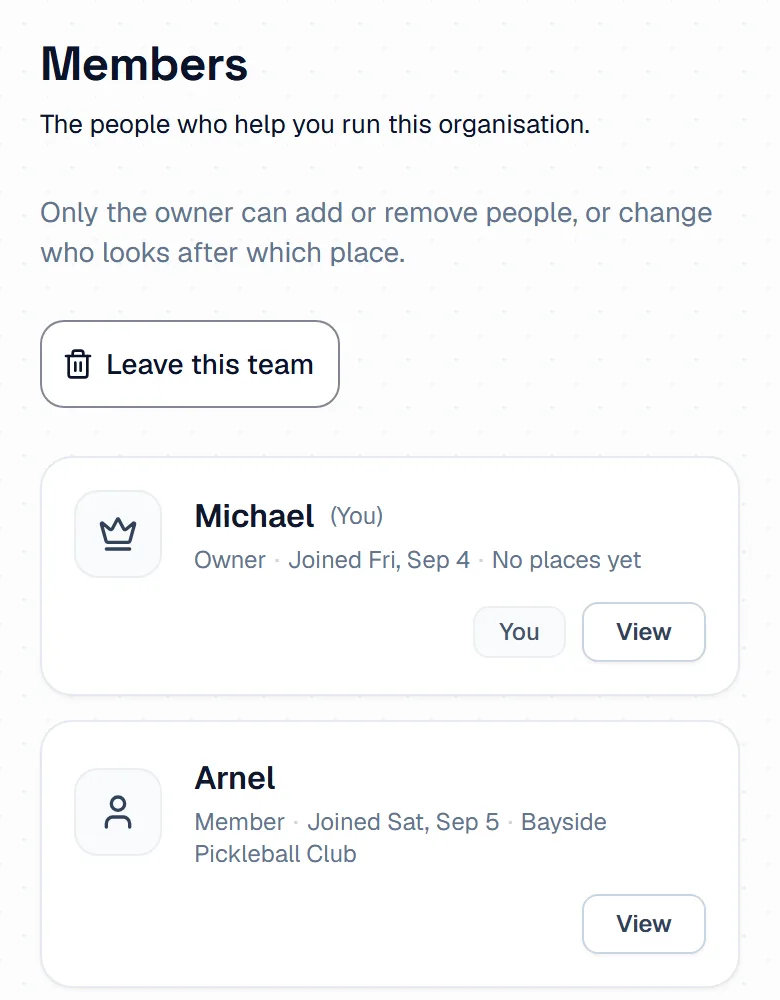
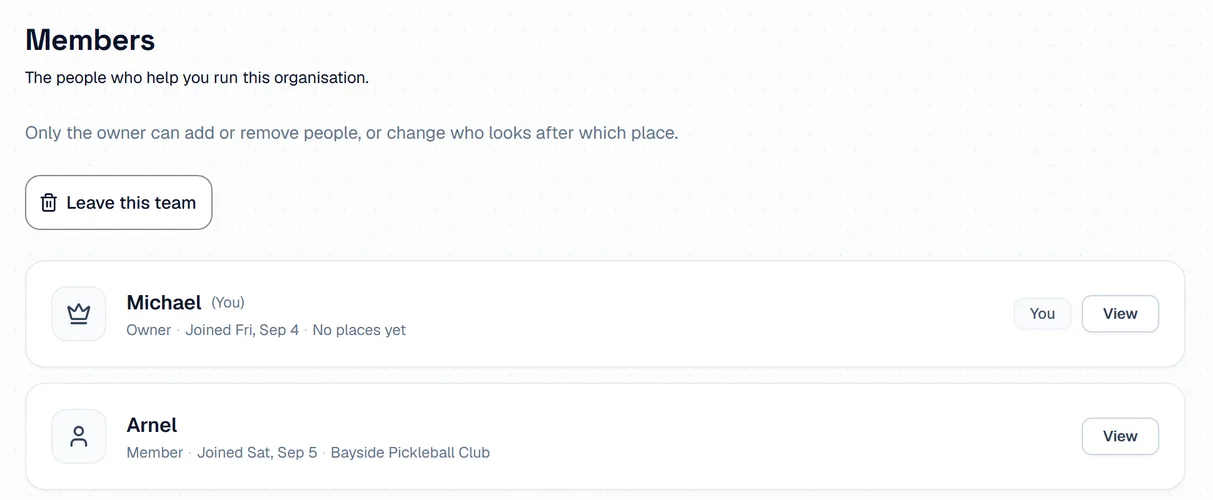
The pictures show example courts and players. Your own screens show your own courts and bookings.
Next guideYour business settingsThe FAQ answers the common ones. Read the FAQ
