We use a few small files called cookies. They keep you signed in, remember the area you chose and show prices in your own money. We do not use them for ads or tracking. What each one does
Players see a change as soon as you save it. Only the owner can change places and courts.
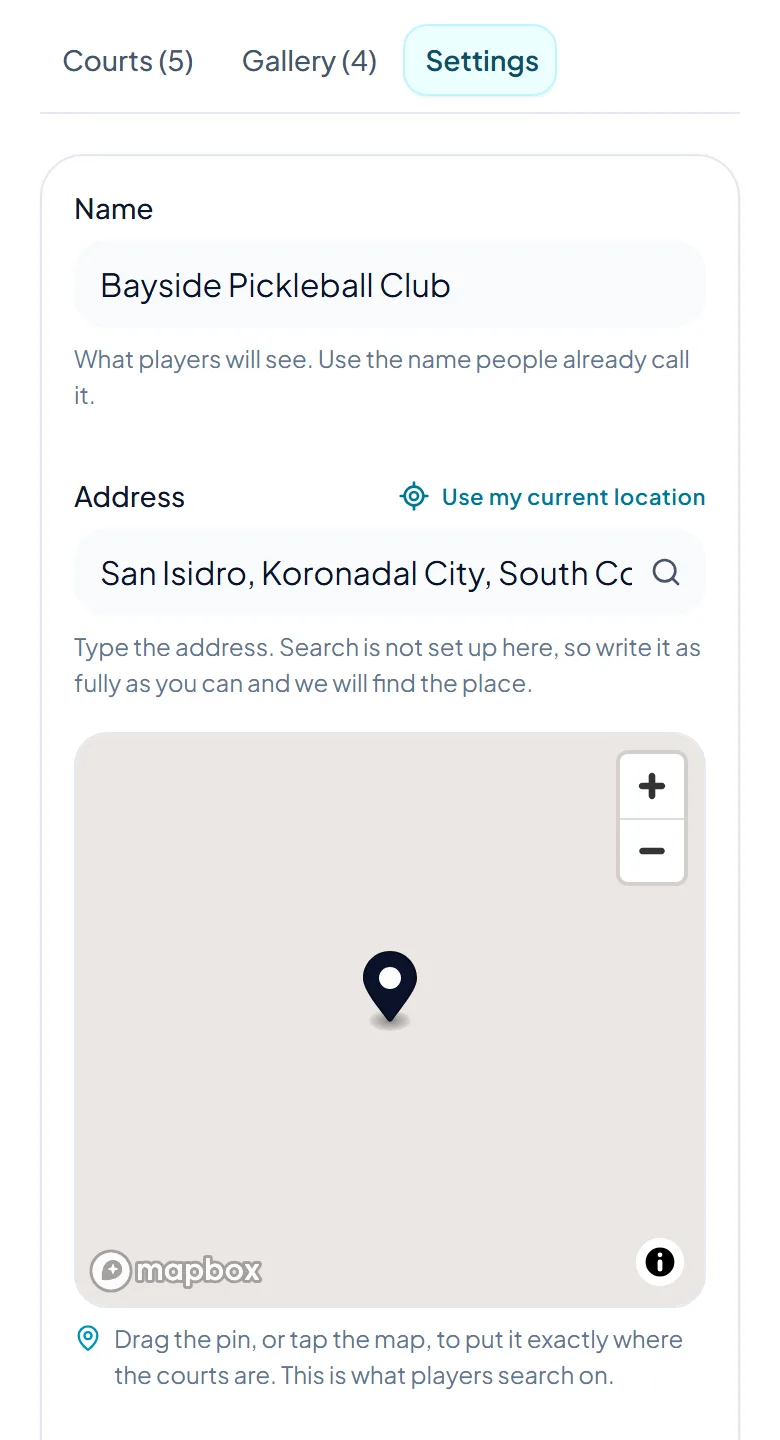
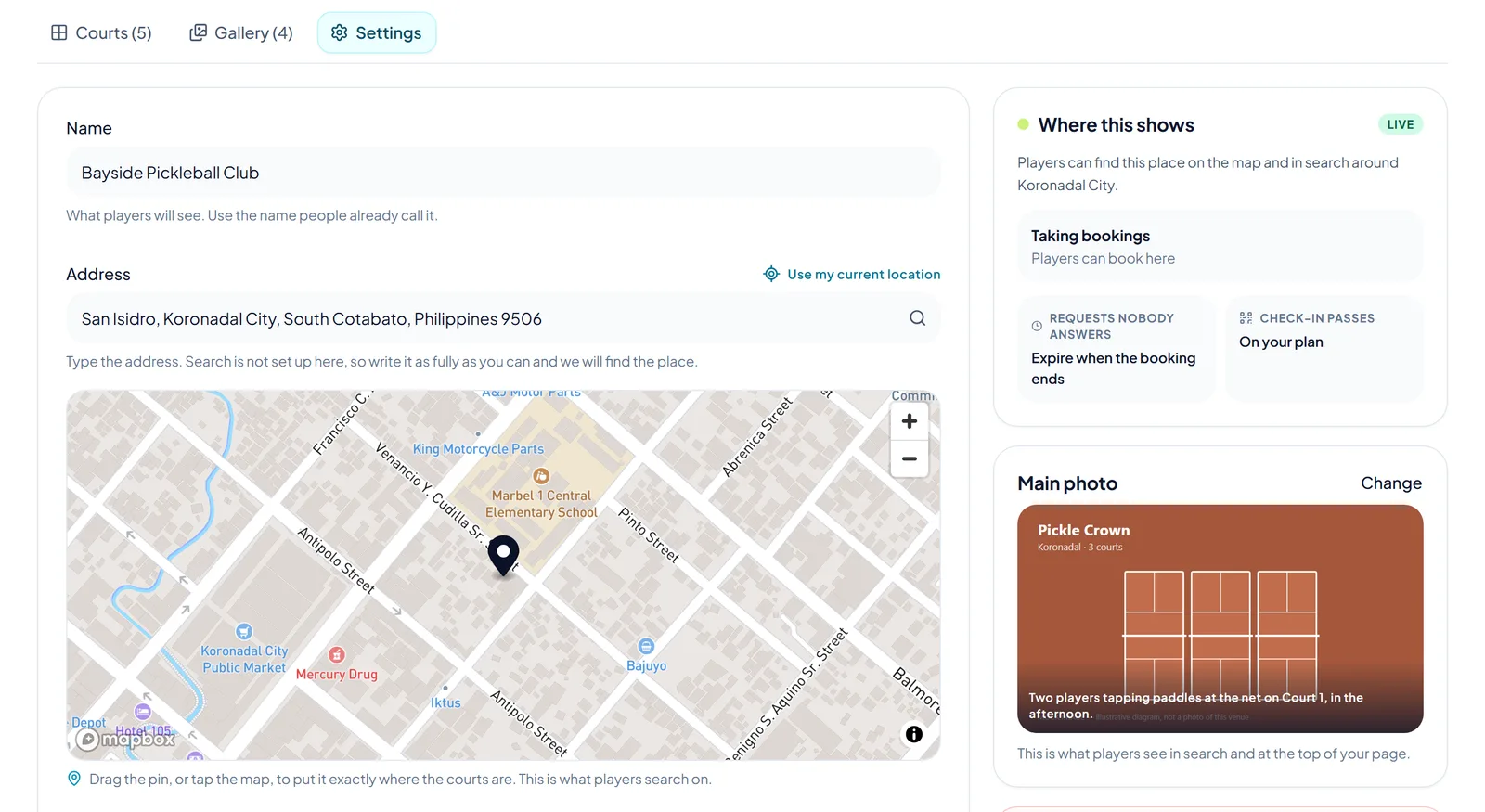
Open Courts & Places, open the place and choose Settings. Change the name, the address, the pin, the Booking rules or What is here, then press Save changes. The web address stays the same when you change the name, so shared links keep working.
On the Courts tab, press Edit next to a court. To stop bookings for a while, untick Players can book this court and press Save changes. The court then shows Not bookable.
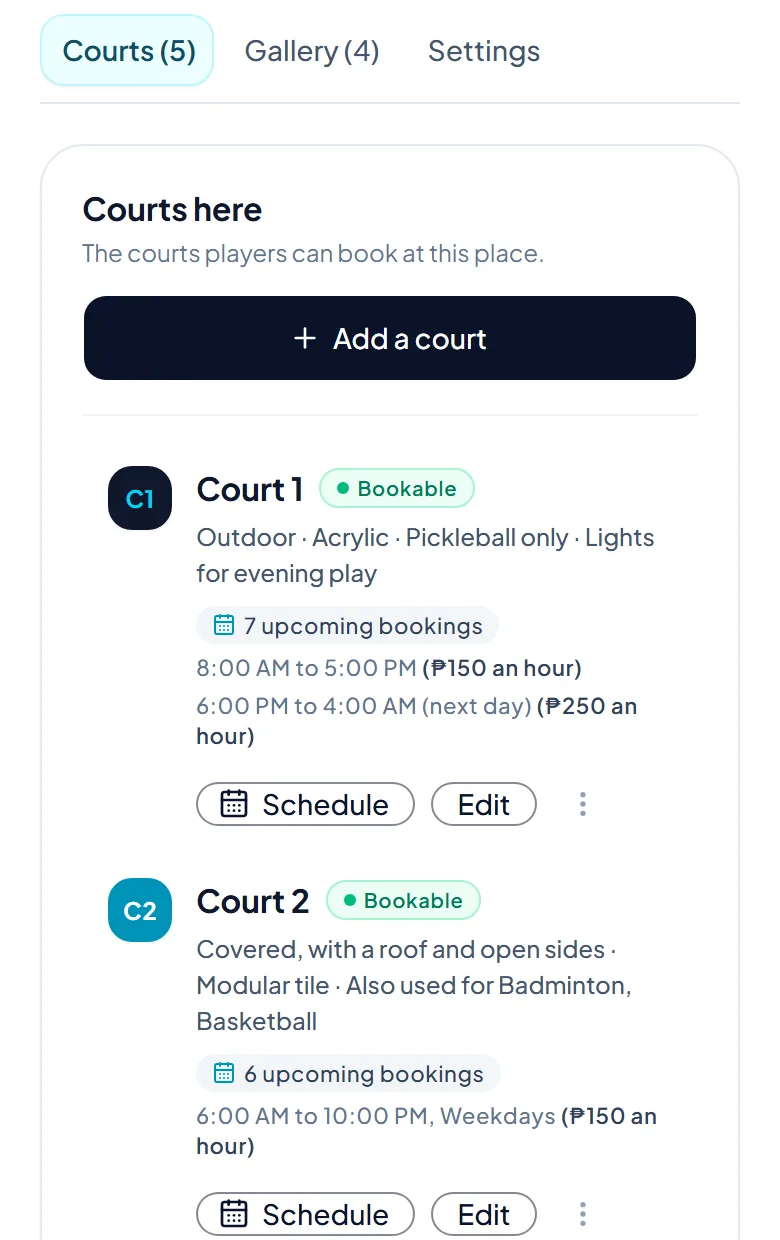
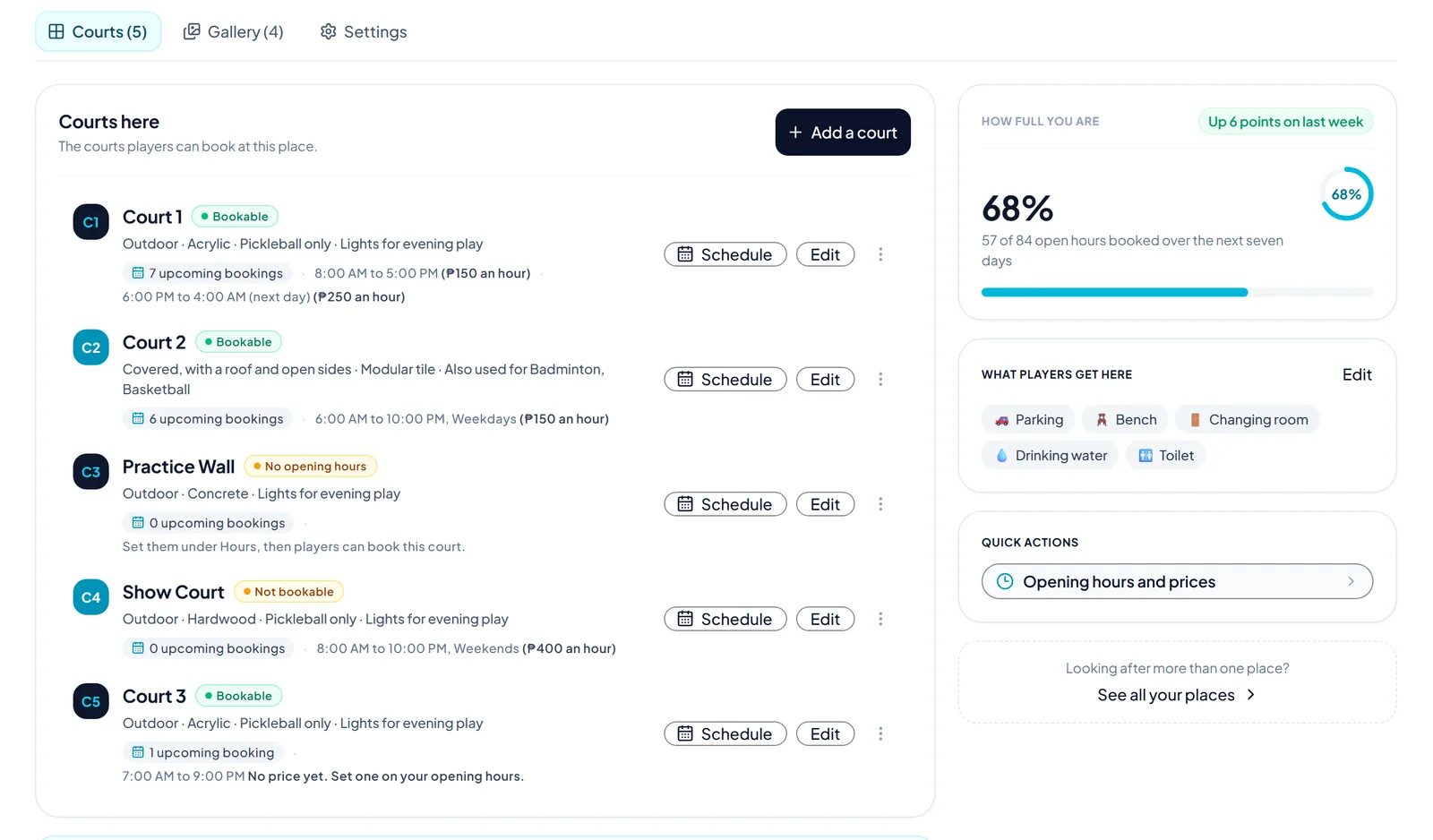
Press Edit, then Remove at the bottom of the page, then Yes, remove it. Bookings already made are kept, and its opening hours stay with your other courts. You cannot undo this here.
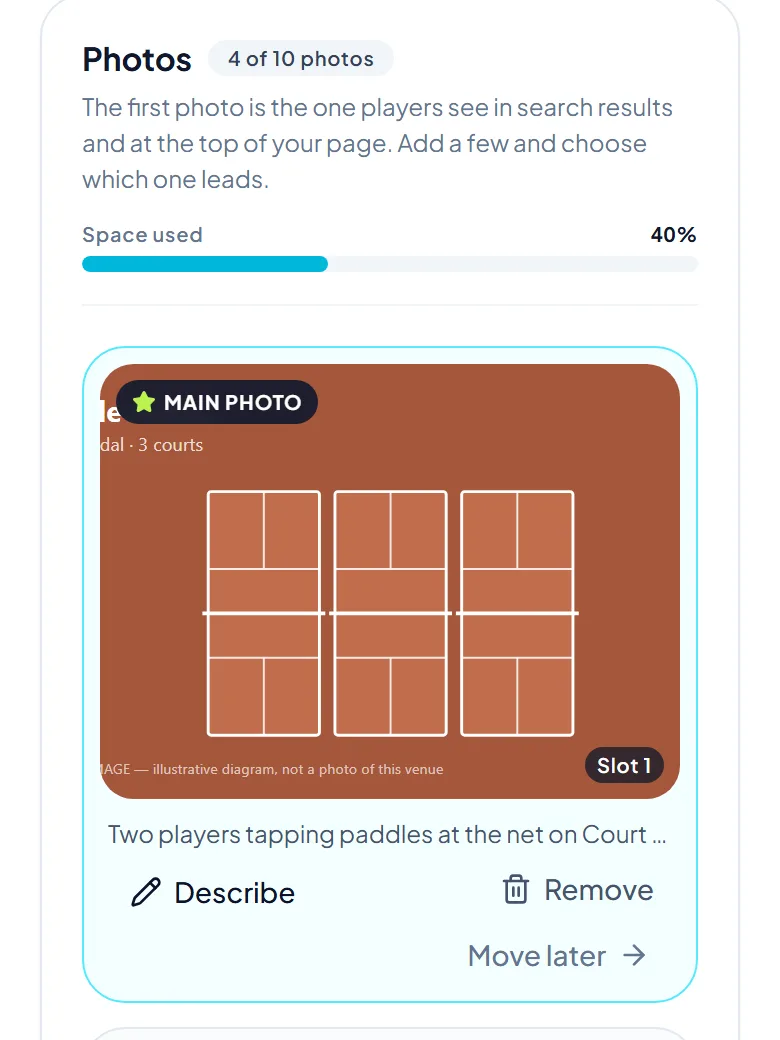
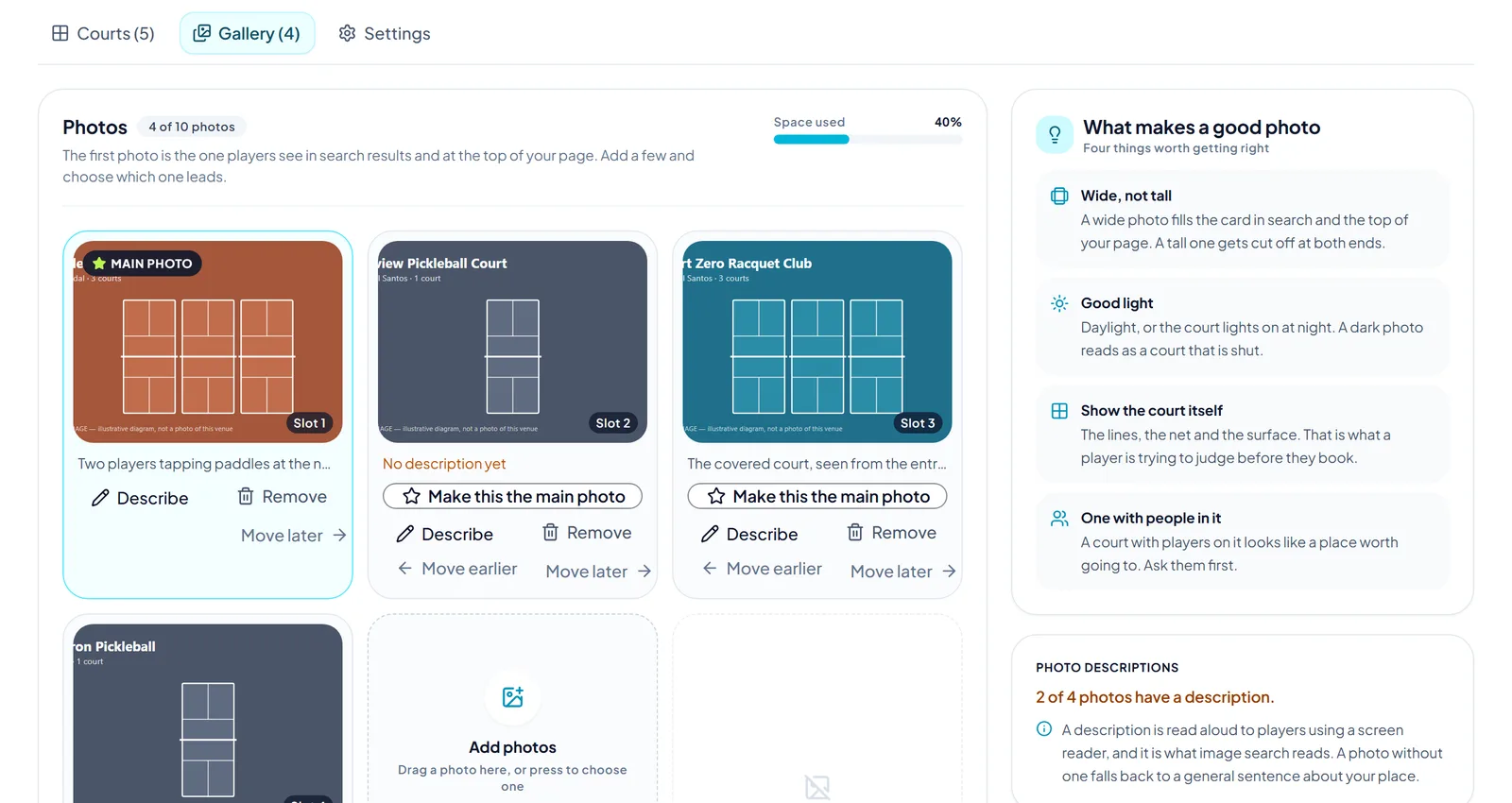
On the Gallery tab, press Remove on a photo. It moves to Recently removed, where you can press Bring back. The page says how long you have. A photo you bring back goes to the end of your photos.
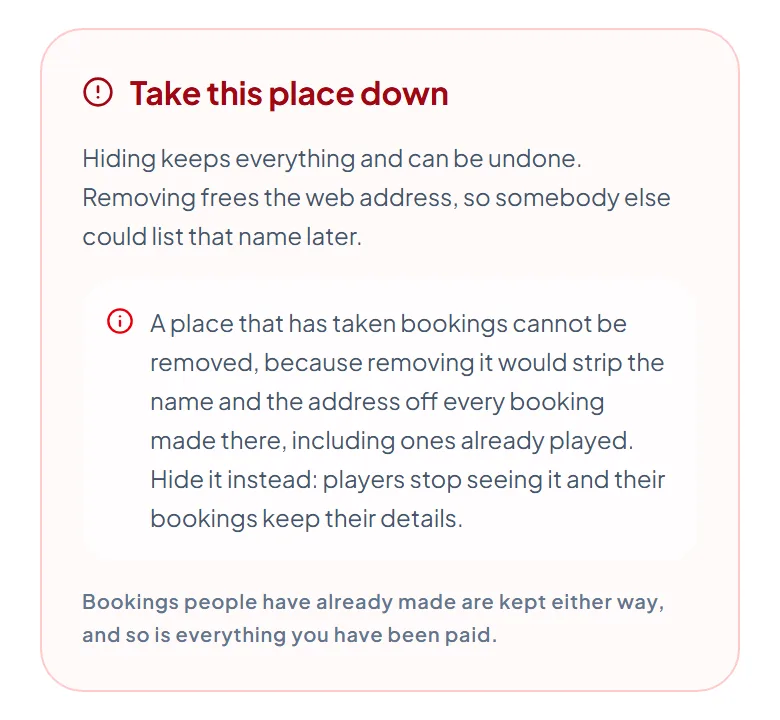
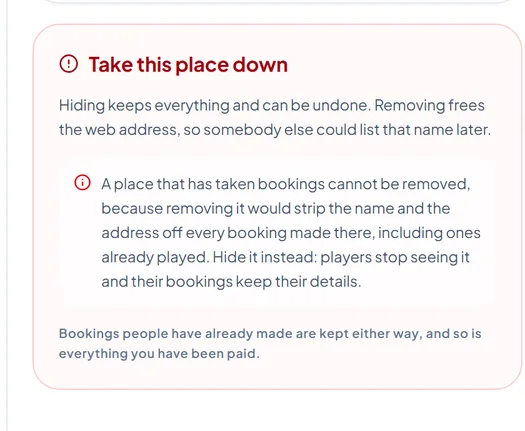
In Settings, press Hide to take the place off the map and out of search. Bookings already made keep their details, and Publish puts the place back. A place that has taken bookings can be hidden, but not removed.
The pictures show example courts and players. Your own screens show your own courts and bookings.
Next guideSet opening hours and pricesThe FAQ answers the common ones. Read the FAQ
