We use a few small files called cookies. They keep you signed in, remember the area you chose and show prices in your own money. We do not use them for ads or tracking. What each one does
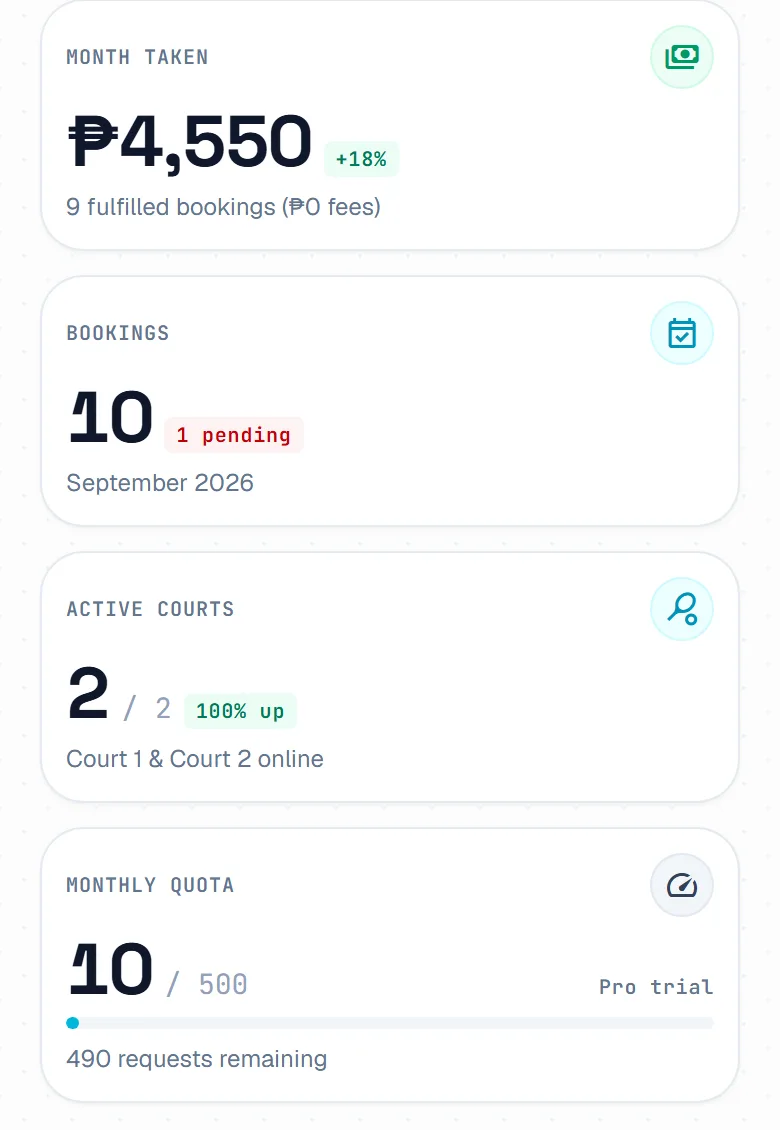
Dashboard is the first host page you see, and on a phone it is the Home tab. It shows what needs you now and what is happening at your courts today.
Bookings counts your bookings and shows how many are waiting for you. Active Courts names the courts that take bookings, and Monthly Quota shows how many booking requests your plan has left this month. On Pro and Club, Month Taken shows what you took this month.

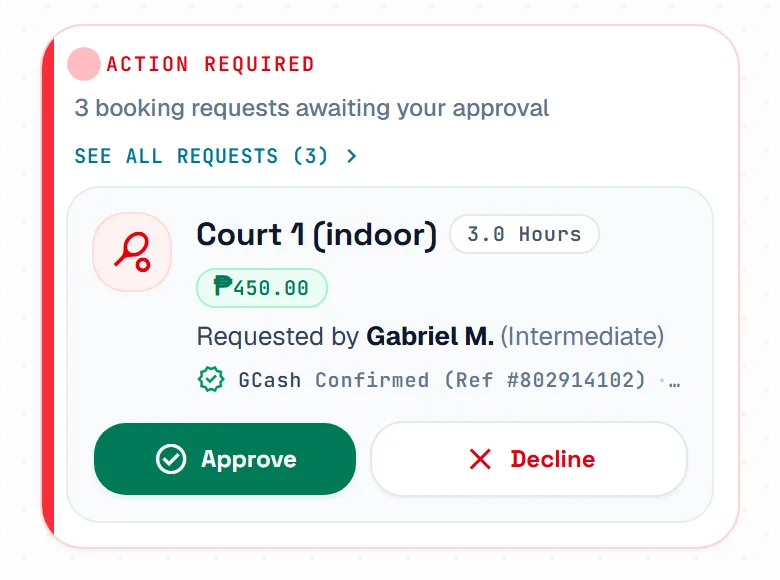
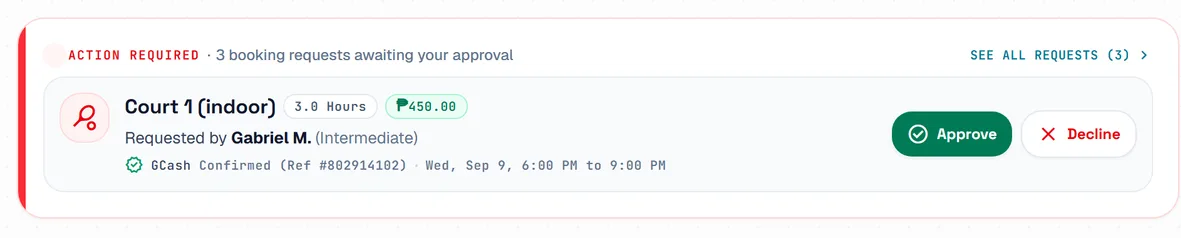
When a player is waiting, Action Required shows the oldest request, with the player, the time and the payment. Press Approve to confirm it, or Decline and give a reason. See all requests opens the rest on Bookings.
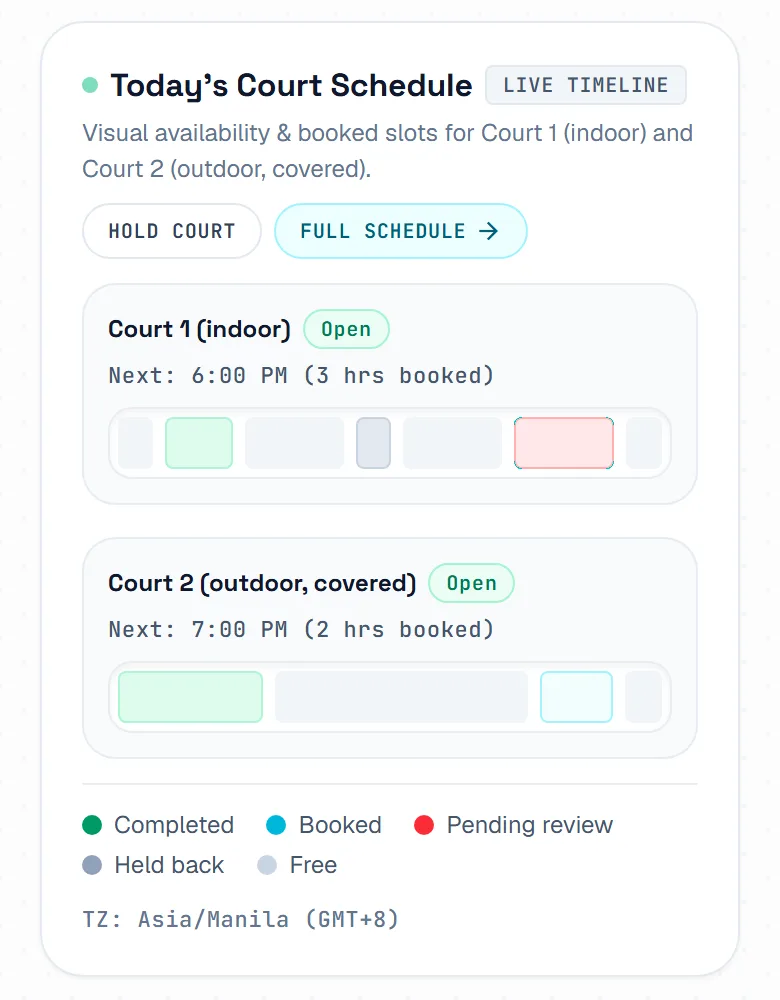
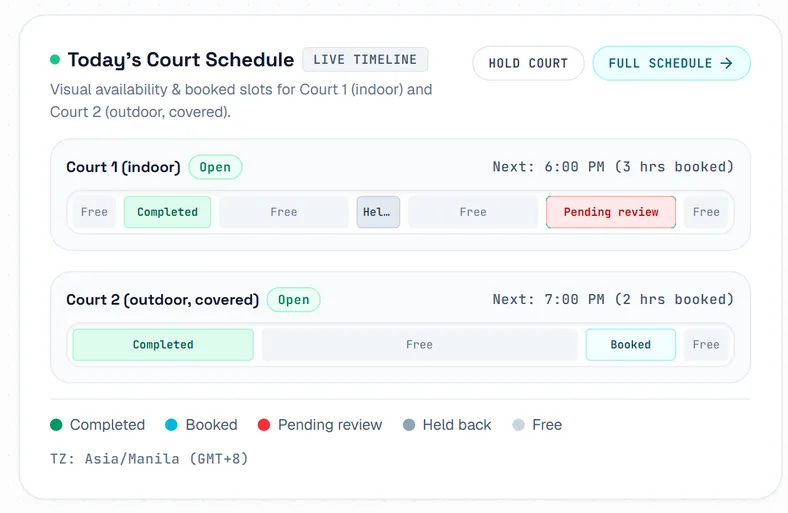
Today's Court Schedule shows a bar for each court, from opening to closing time. It marks free time, booked and played games, time held back and requests waiting for you. Press Hold Court to block a court, for example for repairs.
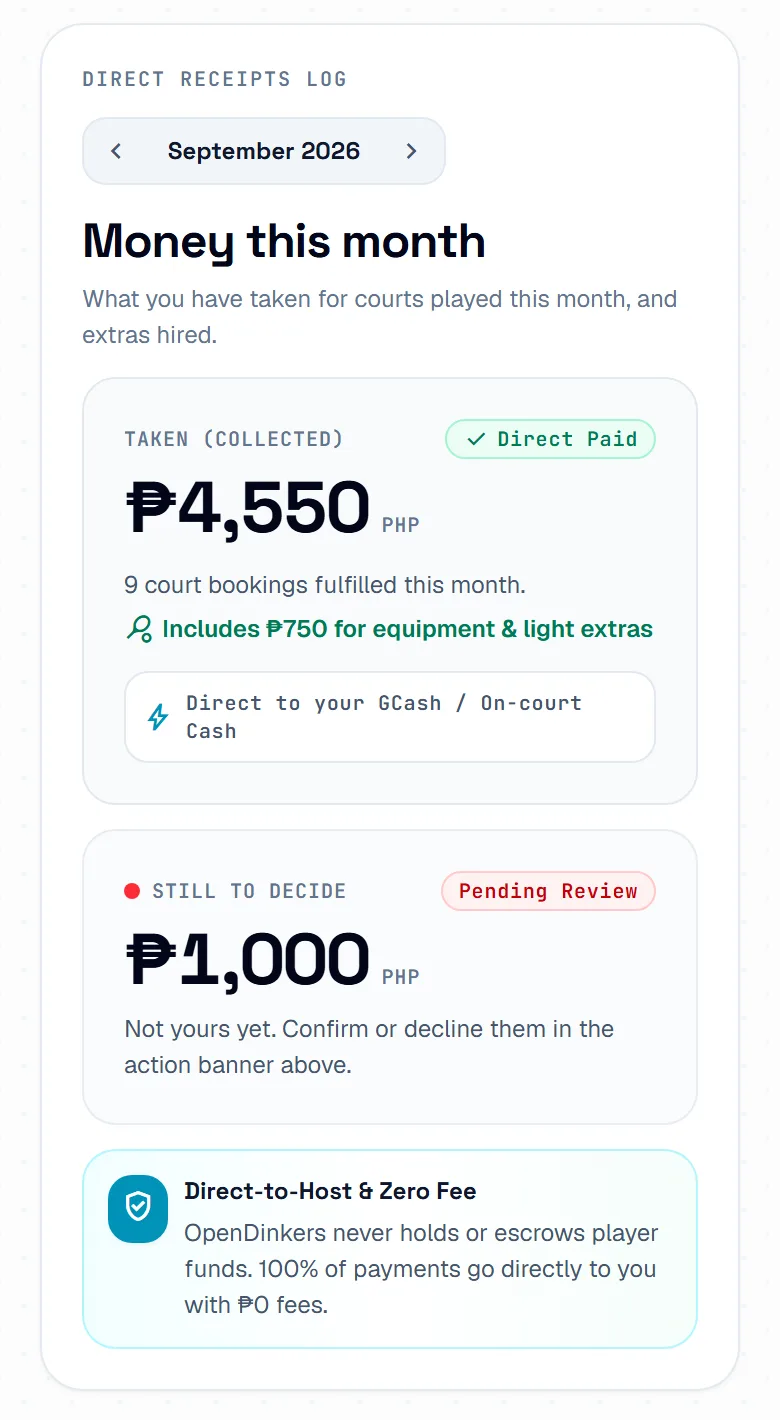
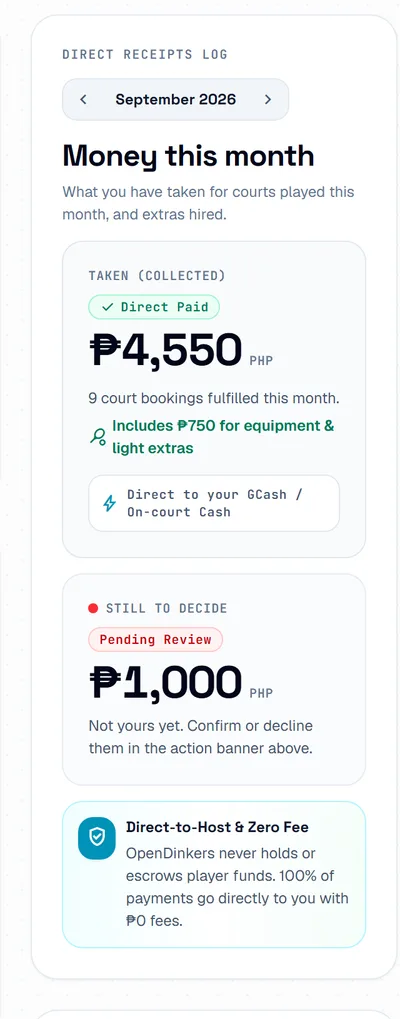
Recent Bookings Activity lists your five latest bookings and their status. Money this month shows what you took for courts played this month, and the amount Still to decide. Use the arrows to see an earlier month.
The pictures show example courts and players. Your own screens show your own courts and bookings.
Next guideConfirm and manage bookingsThe FAQ answers the common ones. Read the FAQ
